



BC Game Contact | How to Reach Customer Support

How to Contact BC Game Customer Support
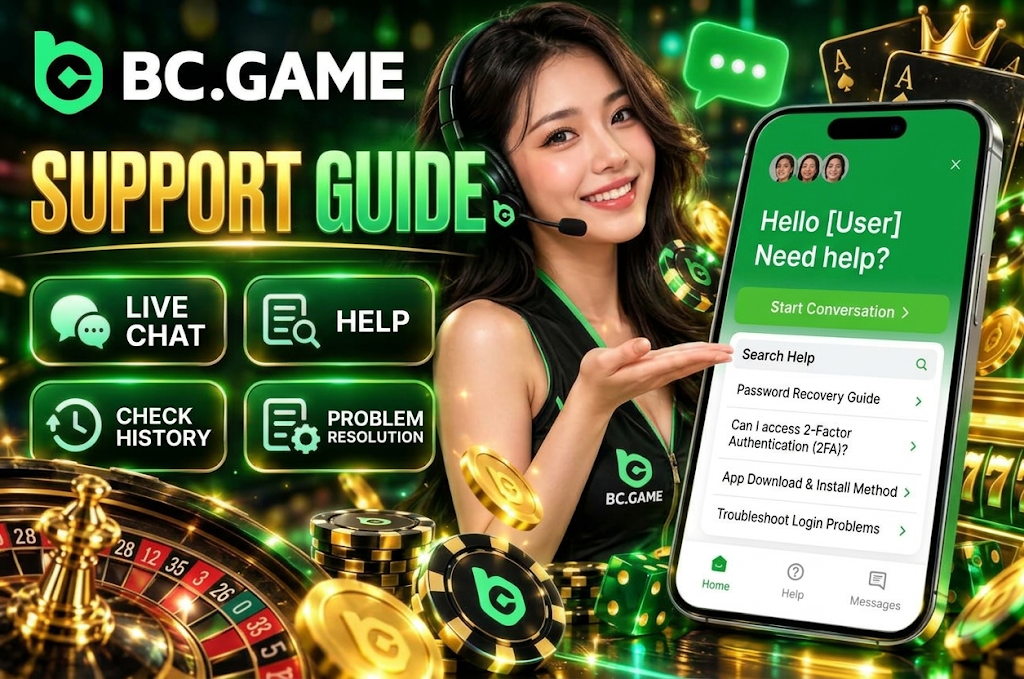
At BC Game, you can contact support through the in-site support feature for questions about your account, login, deposits, withdrawals, bonuses, identity verification, and technical issues. The main channels are live chat and the Help Center, where you can send messages or search for solutions through the support widget.
When contacting support, organizing “what happened,” “when it occurred,” and “which action caused the issue” is more effective than writing a long explanation from the start. For payment-related issues, prepare the amount and transaction details. For login problems, have the displayed error message ready to speed up the review process.
The main contact channels currently available are as follows.
- Live Chat. You can send messages to the support team from the in-site support screen.
- Help Center. You can find solutions for login, two-factor authentication, app, deposit, and withdrawal issues.
- Message History. You may be able to review previous inquiries and replies from the support screen.
Contact via Live Chat
Live chat is the most straightforward way to communicate your issue directly from within the site. Opening the support icon on the screen displays options for sending messages and searching for help.
Summarizing your inquiry concisely before sending makes it easier for the agent to determine the necessary information. For example, rather than just saying “I can’t withdraw,” it is more efficient to specify “my USDT withdrawal is stuck on Pending” or “I can’t use my 2FA code when logging in.”
The steps for using live chat are as follows.
- Open the support screen.
- Select “Send a Message.”
- If inquiry categories are displayed, select the relevant item.
- Enter the details of the issue and the action that caused it.
- Add transaction numbers or screen information as needed.
- After sending, check the reply status on the same inquiry screen.
Reception status and response times are not always the same. Do not assume an immediate reply — use the current status displayed on the support screen as your reference.

Contact via Email
A dedicated support email address for general users is not currently listed as a primary channel on the inquiry screen. Therefore, rather than guessing and sending to an unverified email address, it is more reliable to use the in-site live chat or Help Center.
Even if you need to send a lengthy explanation in email format, you can start by opening an inquiry through the support screen. If additional materials or a different contact method becomes necessary afterward, follow the instructions provided by the support team.
It is especially important not to blindly trust “support emails” found in search results or on social media. You never need to send your BC Game account information, password, or 2FA codes to third-party addresses.
BC Game Contact Methods Overview
A summary of the main support options currently available is as follows.
| Contact Method | How to Use | Covered Issues | Availability |
| Live Chat | Send messages from the in-site support screen | Account, login, deposits, withdrawals, bonuses, technical issues, etc. | Check current reception status on screen |
| Help Center | Search for topics using the support screen’s search feature | Password, 2FA, app, login troubleshooting, etc. | Guides available for viewing at any time |
| Message History | Check from Messages on the support screen | Review past inquiries and replies | Depends on existing inquiry status |
The Help Center can also be used as a preliminary check before contacting an agent directly. For issues with established procedures such as password recovery or app installation, you may be able to resolve them on your own.
On the other hand, account-specific issues such as transaction status or identity verification cannot be resolved with general guides alone. In those cases, explain your specific account situation through live chat.
Issues You Can Contact BC Game Support About
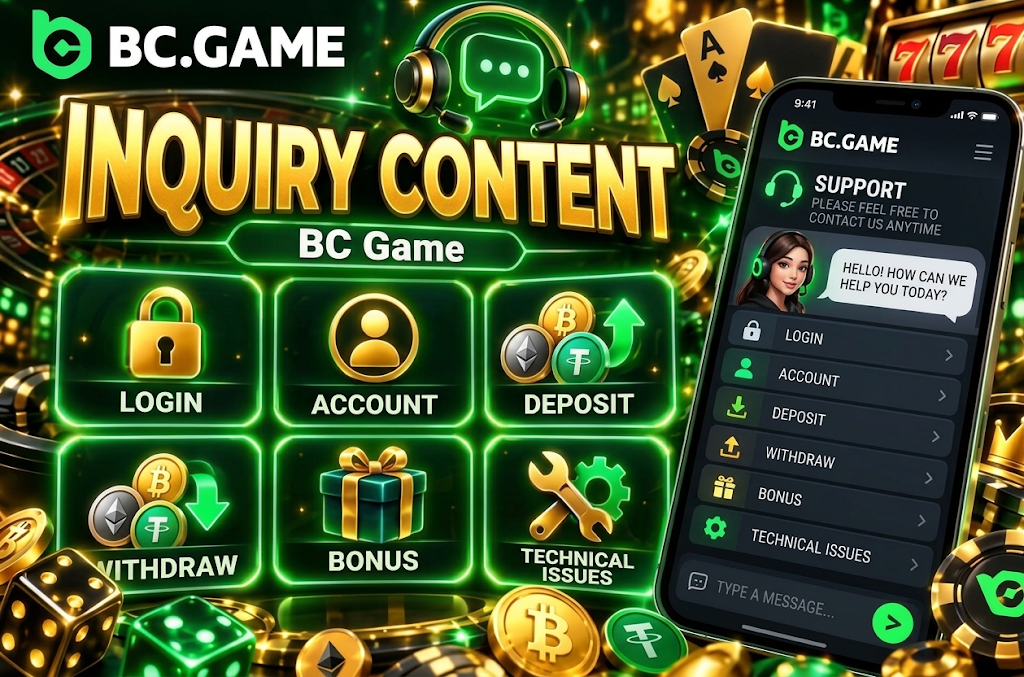
Support is not just a channel for consulting about game results. It handles a wide range of issues from account management to payments and security.
The main inquiry categories are as follows.
- Login. You can consult about authentication issues including password, Passkey, 2FA, and one-time codes.
- Account. You can check on profile, identity verification, and usage restrictions.
- Deposits. You can consult about unreflected deposits, processing status, and crypto transfers.
- Withdrawals. You can check on Pending, Rejected, and unreceived payment statuses.
- Bonuses. You can check on grant status, wagering requirements, and eligibility.
- Technical Issues. You can consult about app, display, game loading, and connection problems.
The information required differs depending on the inquiry. A transaction hash is not needed for login issues, but for unreceived crypto deposits, the Transaction ID and network information become critical.
Account and Login Issues
If you cannot access your account, you need to check not just your password but your entire authentication method. The cause varies depending on the method used during registration — email, phone number, one-time code, Passkey, or external service linking.
Common issues you can consult support about are as follows.
- Password. When you still cannot log in after performing a reset.
- Two-Factor Authentication. When you changed your authentication device or cannot use the code.
- Passkey. When your registered Passkey is not being recognized.
- Email. When you cannot access the registered email.
- Phone Number. When your registered number is no longer available.
- Account Restrictions. When you cannot log in despite entering correct credentials.
If identity verification is required, follow the instructions provided by support. You never need to share your password or 2FA code itself with the agent.
Deposit and Withdrawal Issues
For deposit and withdrawal inquiries, preparing information that can identify the transaction is more important than simply saying “my money hasn’t arrived.”
When consulting about a cryptocurrency transaction, check the following items.
- Amount. Confirm the quantity you actually sent or requested.
- Currency. Confirm the asset used, such as BTC, ETH, or USDT.
- Network. Confirm the chain used, such as TRC20.
- Date and Time. Confirm when the transfer or withdrawal request was made.
- Transaction Number. Save the Transaction ID or Hash if available.
- Status. Confirm the current state — Pending, Success, Rejected, etc.
For deposits, even if the transaction is completed on the sender’s side, blockchain confirmations may still be insufficient. For withdrawals, even if BC Game has completed the process, confirmation processing on the receiving wallet side may still be pending.
Check the current status before repeating the same transaction. Sending the same amount multiple times when a deposit is not reflected can make the issue more complicated.
Bonus-Related Inquiries
Bonus-related inquiries cover not only cases where bonuses are not granted, but also Locked Rewards release, eligibility, expiration, and wagering requirements.
Issues you can consult about include the following.
- Not Granted. When a perk that appears to meet the conditions is not displayed.
- Claim. When the action to receive a reward is not available.
- Wagering Requirements. When you are unsure about the required play conditions.
- Eligible Games. When you want to confirm which games count toward the requirements.
- Expiration. When you want to check the validity period of a bonus.
- Eligibility. When you cannot determine whether your current account qualifies.
Checking the promotion name you are using and your current progress before contacting support makes it easier to explain your situation.
Since terms differ for each campaign, the rules from a bonus you used previously may not apply to the current offer.
Information to Prepare Before Contacting Support
To communicate your issue quickly, it is more efficient to organize the necessary information before opening support. Especially for deposits, withdrawals, and identity verification, you may be asked for additional information after the initial inquiry.
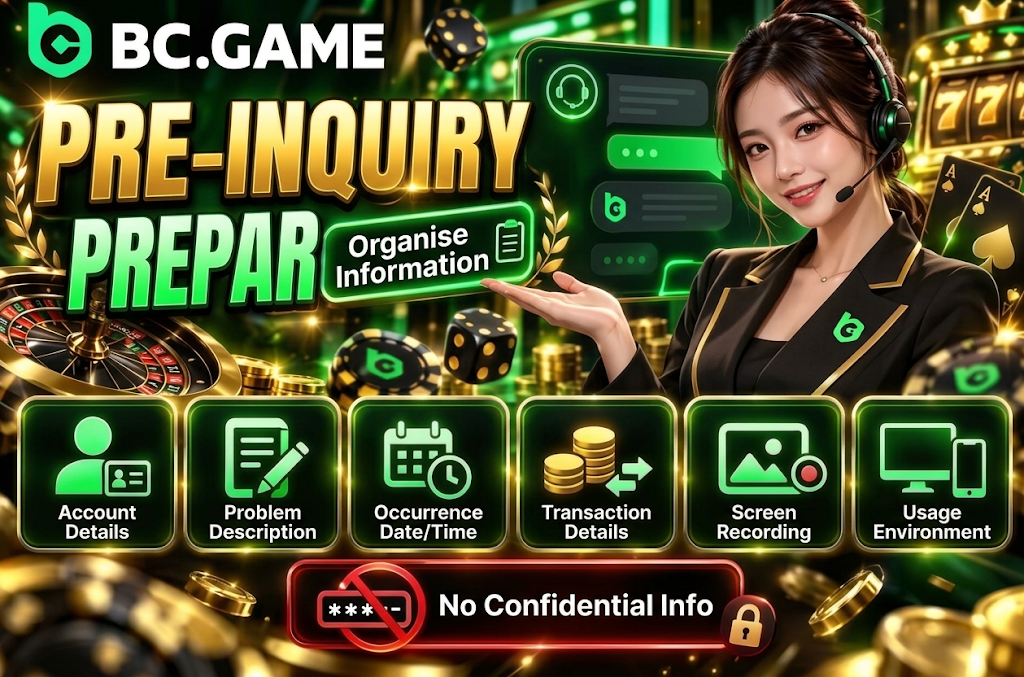
Information you should prepare in advance is as follows.
- Account Information. Confirm your user ID and other details needed to identify your account.
- Issue Description. Briefly summarize what you did and at which step the problem occurred.
- Date and Time. Confirm the date and approximate time when the issue occurred.
- Transaction Information. For payment issues, prepare the amount, currency, Transaction ID, etc.
- Screen Information. Prepare screenshots showing the error message or status.
- Usage Environment. Confirm whether you are using PC, Android, iPhone, app, etc.
On the other hand, you must never send your password, 2FA code, Passkey secret information, or wallet seed phrases and private keys.
If identity verification documents are requested, use the designated submission procedure rather than pasting them unconditionally into a regular chat.
BC Game Support Hours and Language
The support screen features a live chat-style inquiry function. However, it is not guaranteed that an agent will respond at the same speed during all hours.
The most reliable way to check the current reception status is through the support screen at that time. When inquiries are concentrated or for issues requiring internal review such as deposits, withdrawals, or identity verification, response times may be longer than usual.
The BC Game site itself supports Japanese language display. However, individual support responses are not always handled by Japanese-speaking agents. Therefore, it is more realistic to be prepared for the possibility of receiving translated replies or responses in another language when inquiring in Japanese.
To avoid misunderstandings due to language, keeping your messages short and not cramming multiple issues into a single inquiry is effective.
Organizing your inquiry as follows makes it easier to communicate.
- Purpose. Start by stating your objective, such as “I can’t log in” or “my withdrawal is Pending.”
- Status. Describe the current state being displayed.
- Action. Explain the action you took just before the issue occurred.
- Numbers. If amounts or dates are relevant, include them accurately.
- Identifiers. Add only the necessary information such as transaction numbers.
If You Don’t Receive a Reply from Support
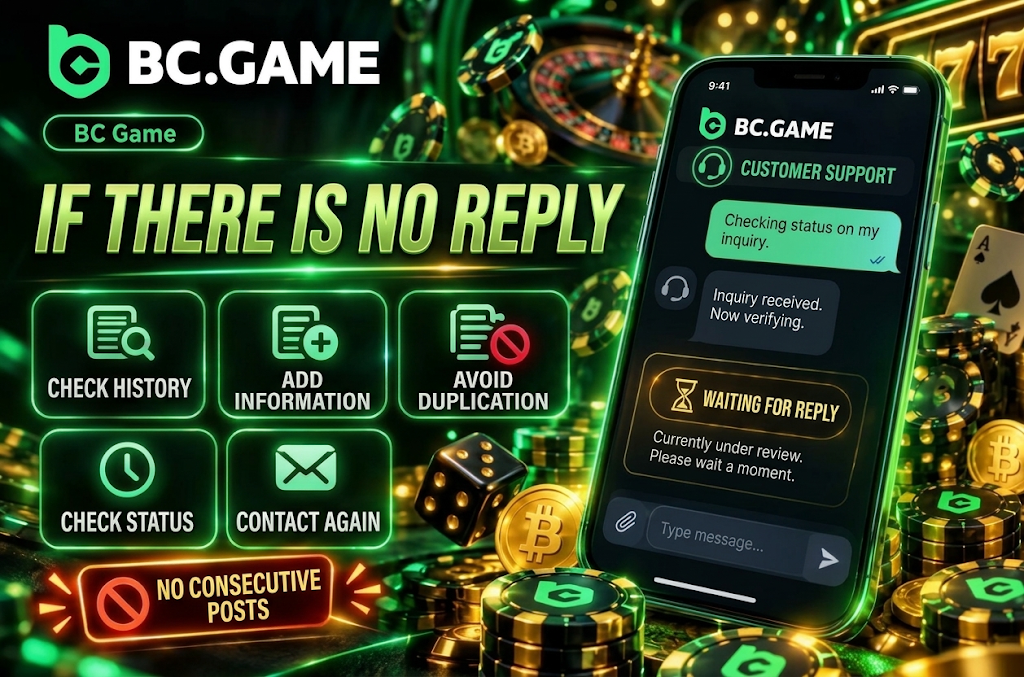
If your reply is delayed, checking the status of your existing message is more effective than sending the same inquiry multiple times in a short period.
First, check Messages or your inquiry history to see if a response has already been delivered. Even if no notification was displayed, there may be an update on the message screen.
Preparing additional information while waiting for a reply can shorten the back-and-forth after the response arrives.
- Check History. Verify whether a reply has been delivered to your existing inquiry.
- Add Information. Prepare any missing details such as Transaction ID or error messages.
- Avoid Duplicates. Do not send the same content as multiple consecutive inquiries.
- Check Status. Re-check whether there have been any changes to the transaction or login status.
- Follow Up. If there is no progress after sufficient waiting, re-check through the official support screen.
For payment issues, the status may update automatically while you are waiting for a support reply. Especially for transactions being processed on the blockchain, confirmations may progress with time.
How to Use BC Game Support Safely
When using support, it is important not to think that you should share any information with anyone who claims to be an agent. Fake support accounts and phishing pages exploit situations where users are panicking over a problem.
The basics for contacting support safely are as follows.
- Official Channel. Contact support through the in-site support feature.
- Password Protection. Do not send your account password to agents.
- 2FA Protection. Do not share authentication codes or backup information.
- Wallet Protection. Never send private keys or seed phrases.
- Link Verification. Check the URL if directed to a suspicious external page.
- Personal Information. Only provide what is necessary to resolve the issue.
Legitimate identity verification may require official identification documents. However, your wallet’s private keys are not identity documents.
If you receive instructions to “send funds to unlock your withdrawal” or “enter your seed phrase,” do not proceed — verify through the official support screen instead.
Frequently Asked Questions About BC Game Contact
You can send a message via live chat from the support screen on the site. In the Help Center, you can also find solutions to common issues such as login, two-factor authentication, and the app.
Yes. You can send a message through the support widget. Since availability and response times vary depending on the nature of the inquiry and how busy they are, please check the current display on your screen.
Although the site supports Japanese display, individual support responses are not always provided by Japanese-speaking staff. When inquiring in Japanese, keeping your explanation of the situation short and specific will make it easier for them to understand.
You can contact them through the live support on the site. Having your withdrawal amount, currency, network, request date and time, current status, and Transaction ID ready will make the verification process smoother.
It is useful to prepare your User ID, a description of the issue, the date and time of occurrence, transaction details, and error messages. Do not send your password, 2FA codes, Passkey secrets, or your wallet’s seed phrase or private keys.