



BC Game Deposit | Deposit Methods Guide for Japan

How to Deposit Funds into BC Game
Deposits are made from a logged-in account. On the deposit screen you can switch between “Crypto” and “Fiat,” but for Japan the practical options are cryptocurrency transfers or purchasing crypto with a card rather than direct JPY deposits.
When choosing a BC Game deposit method, it is important to first decide “what you want to deposit.” If you already hold BTC, USDT, or other cryptocurrencies, you can transfer them directly. If you do not hold any, you can purchase crypto through an available card payment option.
With cryptocurrencies in particular, you need to match not only the currency name but also the network. Even the same USDT may use different transfer networks, so it is not safe to send funds based solely on confirming the address.
Deposit Steps
When transferring cryptocurrency directly, follow these steps after opening the deposit screen.
- Select “Crypto” and specify the cryptocurrency you want to deposit.
- Choose the network and confirm the displayed deposit address.
- Check the minimum deposit amount and any important notes.
- On your external wallet, select the same currency and network.
- Double-check the amount and destination address, then confirm the transfer.
- Check the transaction history for processing status and balance update.
For BC Game Japan deposits, verification before confirming the transfer is the most important step. Since cryptocurrency transactions may be irreversible once submitted to the blockchain, always verify the currency, network, address, and amount.
When purchasing crypto with a card, navigate to the purchase function from the “Fiat” side. In this case as well, you are not sending Japanese yen directly to your BC Game balance — the purchased cryptocurrency is credited to your balance.

BC Game Deposit Methods
In the current Japan-facing environment, it is easier to understand if you do not treat direct fiat currency deposits in JPY and cryptocurrency deposits as the same thing.
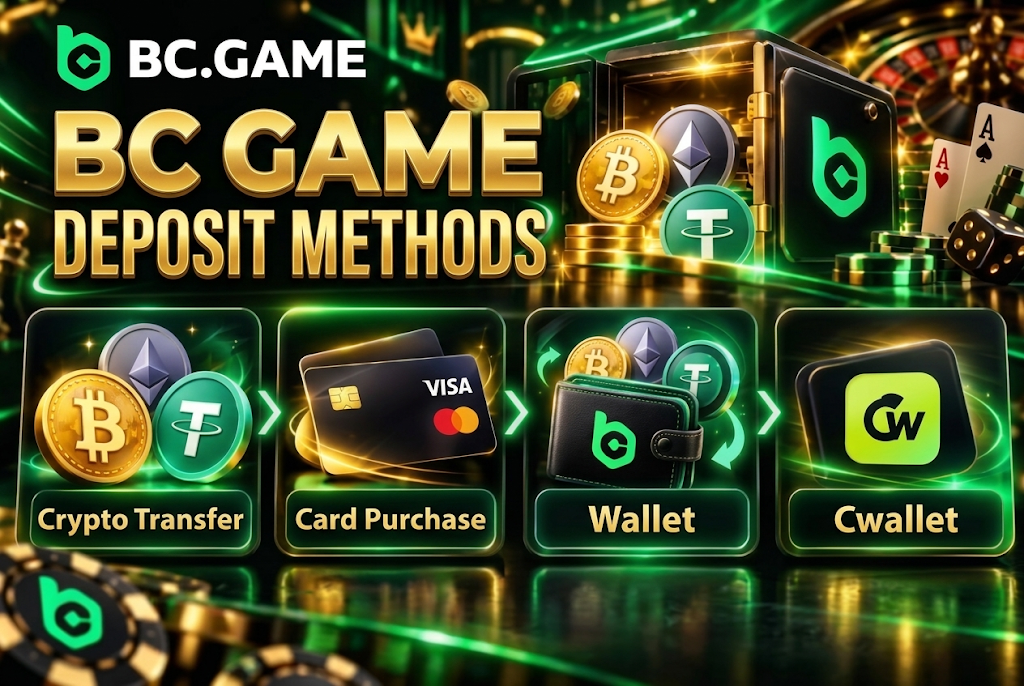
The main available options are as follows.
- Cryptocurrency transfer. Send BTC, ETH, USDT, or other crypto you hold to the designated address.
- Card purchase. Buy cryptocurrency using a credit or debit card.
- Wallet connection. Transfer cryptocurrency from a supported external wallet.
- Cwallet integration. Connect and use Cwallet where supported.
As a BC Game deposit payment method, domestic Japanese bank transfers or methods to add JPY directly to your balance are not always displayed. Currently, selecting JPY indicates that direct deposits are not supported, and you are directed to card-based crypto purchases or existing cryptocurrency deposits.
It is important not to assume that local payment methods offered for other countries are also available in Japan. Only the methods displayed on the deposit screen should be considered currently available options.
Depositing in Japanese Yen (JPY)
JPY can be displayed as a fiat currency option, but direct deposits of Japanese yen to your BC Game balance are not currently supported.
When you select JPY for a BC Game Japan deposit, the available options are mainly purchasing cryptocurrency with a card and transferring cryptocurrency you already hold. In other words, there is no mechanism to “deposit ¥10,000 directly as a JPY balance.”
When using a card purchase, check the cryptocurrency you are buying, the payment amount, the applicable rate, and fees at the payment stage. Separate terms from the card issuer or purchase service may apply.
Also, the availability of a JPY display and the ability to deposit directly in Japanese yen are not the same thing. It is safer not to assume that bank transfers or direct payments are available based solely on the currency display.
Depositing with Cryptocurrency
For cryptocurrency deposits, a dedicated address is displayed after selecting the currency and its supported network. You can scan the QR code or copy the address to send funds from an external wallet.
Major cryptocurrencies available for BC Game deposits include BTC, ETH, USDT, USDC, SOL, LTC, DOGE, BNB, and TRX. Please refer to the deposit screen for the actual list of available currencies.
For USDT, for example, there may be environments where you can select Tron (TRC20). In this case, use the same network on the sending side. Choosing ERC20 or a different chain simply because it is USDT may result in the funds not arriving properly.
Here are the points to verify before sending.
- Currency. Confirm you have selected the same asset.
- Network. Confirm the sending and receiving sides match.
- Address. After copying, verify the beginning and end of the address.
- Minimum amount. Send at least the displayed minimum deposit amount.
- Fees. Check the costs from the sending wallet or blockchain side.
- History. Save the transaction hash after sending.
BC Game Deposit Methods List
Minimum deposit amounts differ for each cryptocurrency. Below are the current standards for major currencies.
| Deposit Method | Supported Currency | Minimum Deposit | Processing Time | Fees |
| Crypto Transfer | BTC | 0.0001 BTC | After blockchain confirmation | Network fees may apply |
| Crypto Transfer | ETH | 0.0003 ETH | After blockchain confirmation | Network fees may apply |
| Crypto Transfer | USDT | 1 USDT | After blockchain confirmation | Depends on selected network |
| Crypto Transfer | USDC | 1 USDC | After blockchain confirmation | Depends on selected network |
| Crypto Transfer | SOL | 0.005 SOL | After blockchain confirmation | Depends on network |
| Crypto Transfer | LTC | 0.009 LTC | After blockchain confirmation | Depends on network |
| Crypto Transfer | DOGE | 2 DOGE | After blockchain confirmation | Depends on network |
| Crypto Transfer | BNB | 0.001 BNB | After blockchain confirmation | Depends on network |
| Crypto Transfer | TRX | 5 TRX | After blockchain confirmation | Depends on network |
| Card Purchase | Selected on purchase screen | Per purchase service | Per payment processing | Per terms shown at purchase |
With BC Game deposit methods, sending less than the minimum cryptocurrency amount may result in the funds not being credited to your balance. For example, transfers of less than 1 USDT are not treated as eligible deposits, so checking the minimum is necessary even for small transfers.
For card purchases, the minimum amounts and fee structures differ from those of direct cryptocurrency transfers. Use the amounts displayed on the purchase confirmation screen as your reference.
BC Game Minimum and Maximum Deposit
Minimum deposit amounts vary depending on the cryptocurrency used. There is no uniform JPY-based minimum such as “minimum ¥1,000.”
Conditions also vary by BC Game deposit payment method. For cryptocurrencies, the standard is based on the quantity per asset, while for card purchases, the purchase service may set its own minimum transaction amount.
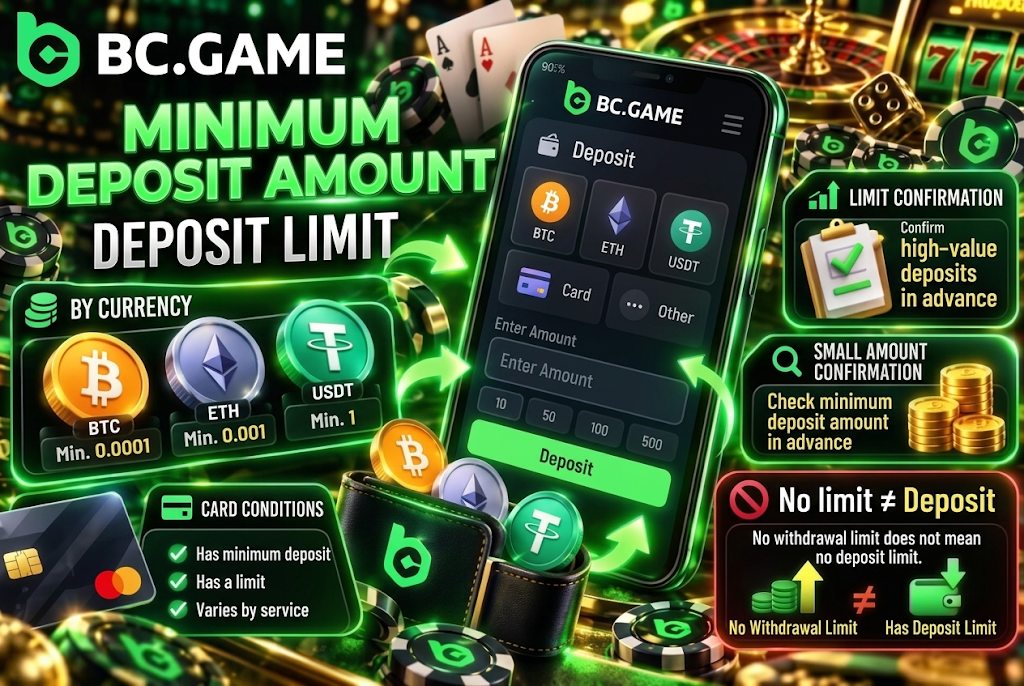
Regarding deposit limits, it is important not to confuse them with cryptocurrency withdrawal limits. Even if “No limit” is displayed in the deposit/withdrawal limits table for certain items, if it refers to the maximum on the withdrawal side, it does not mean the deposit limit.
When making large deposits, check the actual limits on the deposit screen, your wallet, card issuer, and purchase service. It is also practical to verify the address and network with a small amount before sending a large sum at once.
Minimum Deposit
The following minimum amounts are set for major cryptocurrencies.
- Bitcoin. Minimum 0.0001 BTC.
- Ethereum. Minimum 0.0003 ETH.
- Tether. Minimum 1 USDT.
- Solana. Minimum 0.005 SOL.
- Litecoin. Minimum 0.009 LTC.
- Dogecoin. Minimum 2 DOGE.
Additionally, BNB has a minimum of 0.001 BNB, USDC is 1 USDC, and TRX is 5 TRX.
For BC Game Japan deposits, you do not need to convert these cryptocurrency amounts into Japanese yen to determine the minimum. Since cryptocurrency prices fluctuate, use the quantity displayed on the deposit screen as your reference.
Transfers slightly below the minimum may not be credited to your account even if the transaction was successful on the network. Also note that some external wallets deduct fees from the transfer amount.
Deposit Limits
Maximum deposit amounts are not displayed as a single fixed value common to all currencies.
When using a card purchase as your BC Game deposit method, limits may vary depending on the purchase service, card issuer, and identity verification status. For cryptocurrency transfers as well, individual limits may be set by the wallet or network you are using.
Items to check are as follows.
- Currency limit. Check if there are individual limits for the selected cryptocurrency.
- Card limit. Check card issuer restrictions when making a purchase.
- Account conditions. Check for any limits based on identity verification status.
- Wallet restriction. Check the per-transaction limit of the sending service.
- Network status. Re-check the selected chain before making a large transfer.
If no specific limit is displayed on the deposit screen, do not guess the amount — use the current input fields and the conditions of your service provider as your reference.
BC Game Deposit Processing Time
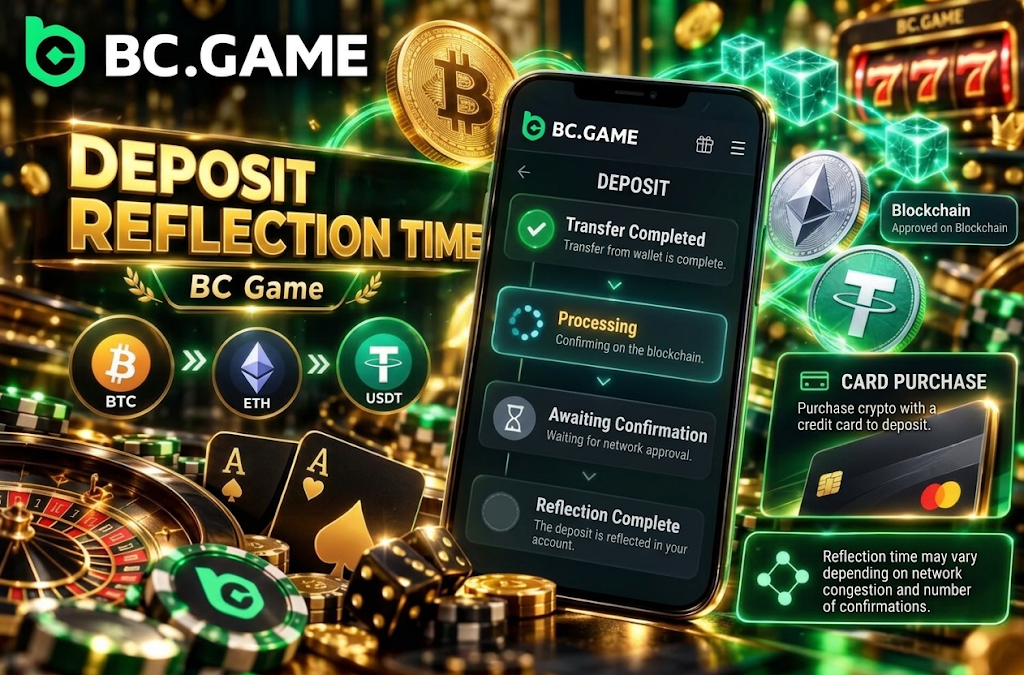
Cryptocurrency deposits are not necessarily credited to your balance the moment you press the send button. After being sent from an external wallet, the transaction is processed on the blockchain and credited to your account after the required confirmations have been completed.
The BC Game deposit processing speed varies depending on the currency used, network congestion, the sending wallet’s processing, and the required confirmation status.
When purchasing crypto with a card, card authentication and purchase service processing are also involved. Since the route differs from a standard cryptocurrency transfer, it may not be completed in the same amount of time.
In the transaction details, you can check the processing status with indicators such as “Blockchain processing” and “Transaction Completed.” Until a completion status is shown, check the status rather than making a duplicate transfer.
Cryptocurrency Deposit Confirmations
On a blockchain, after transaction data is recorded on the network, confirmation processing proceeds. At the stage where confirmations are insufficient, the funds may not yet be credited to your balance even if a transaction hash exists.
When using cryptocurrency as a BC Game deposit payment method, the following three-stage approach makes it easier to understand the status.
- Confirm the transfer has been completed on your external wallet.
- Check the processing status on the blockchain using the transaction hash.
- Re-confirm that the selected currency and network match.
- Check the deposit history for a processing or completed status.
- Wait without making duplicate transfers until the required confirmations are complete.
- If there is no change for an extended period, prepare the transaction details and contact support.
The number of required confirmations may differ depending on the network and currency. Rather than applying a fixed number to all cryptocurrencies, use the current processing status as your reference.
BC Game Deposit Fees
Regarding deposit costs, you need to consider “BC Game’s fees,” “cryptocurrency network fees,” and “card or purchase service fees” separately.
When sending cryptocurrency directly for a BC Game Japan deposit, the fees most likely to occur are network fees from the sending wallet or blockchain side. The amount varies depending on the currency and network conditions.
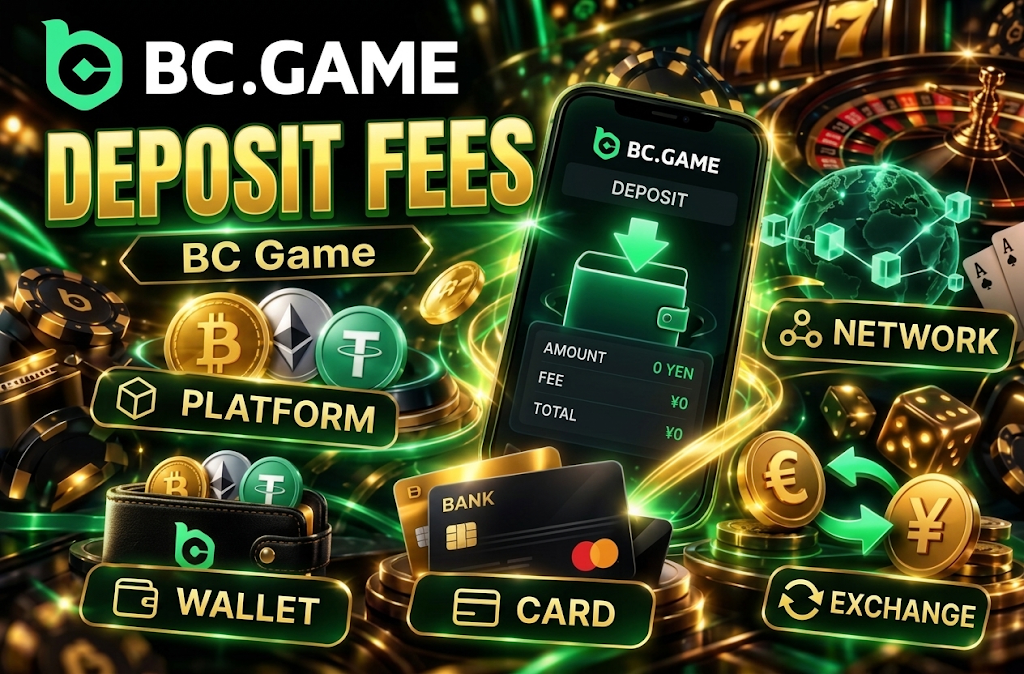
When purchasing crypto with a card, the rate, payment fees, and card issuer charges may be included at the time of purchase. Check the final amount you will receive displayed before confirming.
Fees to check are as follows.
- Platform. Check if individual fees are displayed on the deposit screen.
- Network. Check the blockchain fees when transferring cryptocurrency.
- Wallet. Check if the sending service has its own fees.
- Card. Check fees from the card issuer and purchase service.
- Exchange rate. Check the conversion rate when purchasing crypto from JPY.
It is safer to base your judgment on the final confirmation screen rather than assuming that undisplayed fees are zero.
BC Game Deposit Limits, Times, and Fees
Comparing the main deposit methods from a practical standpoint, cryptocurrency has clear minimum amounts, but there are items where maximum deposit amounts and processing times are not fixed.
| Method | Minimum Deposit | Limit | Processing Time | Fees |
| BTC | 0.0001 BTC | Check deposit screen | After confirmation | Depends on network |
| ETH | 0.0003 ETH | Check deposit screen | After confirmation | Depends on network |
| USDT | 1 USDT | Check deposit screen | After confirmation | Depends on selected network |
| USDC | 1 USDC | Check deposit screen | After confirmation | Depends on selected network |
| SOL | 0.005 SOL | Check deposit screen | After confirmation | Depends on network |
| LTC | 0.009 LTC | Check deposit screen | After confirmation | Depends on network |
| DOGE | 2 DOGE | Check deposit screen | After confirmation | Depends on network |
| BNB | 0.001 BNB | Check deposit screen | After confirmation | Depends on network |
| TRX | 5 TRX | Check deposit screen | After confirmation | Depends on network |
| Card Crypto Purchase | Per purchase screen | Per purchase service | Per payment processing | Check purchase screen |
Comparing BC Game deposit methods, direct cryptocurrency transfers are easier to understand in terms of conditions but require knowledge to avoid selecting the wrong network. Card purchases are easier to use even without holding cryptocurrency, but you need to check the rate and additional purchase costs.
It is not possible to definitively determine “fastest” or “cheapest.” Results vary depending on network congestion and purchase service processing conditions.
About Deposit Bonuses
When deposit amounts meet certain conditions, eligible users may be able to use benefits such as Deposit Bonus and Deposit Rakeback.
With BC Game deposit bonuses, the standard minimum deposit amount and the minimum amount required to participate in a bonus are not always the same. For example, even if you meet the minimum deposit requirement for a cryptocurrency, you may not qualify for the bonus if you have not met the bonus-specific conditions.
Before depositing, check the following points.
- Eligibility. Check if bonuses are available for your current account.
- Minimum amount. Check the deposit conditions specific to the bonus.
- Eligible currency. Check if the deposit method you used qualifies for the promotion.
- Claiming. Check if a Claim action is required after depositing.
- Unlock conditions. Check the conditions for using locked rewards.
- Validity period. Check if there are any deadlines for depositing or claiming.
There is no need to deposit more than your planned amount solely because of a bonus rate. It is easier to manage your funds if you only use bonuses whose conditions you can comfortably meet based on your normal budget.
If You Cannot Deposit Funds into BC Game
If your deposit is not going through, the area to check differs depending on the payment method. It is important not to treat a failed card purchase and an unreflected cryptocurrency transfer as having the same cause.
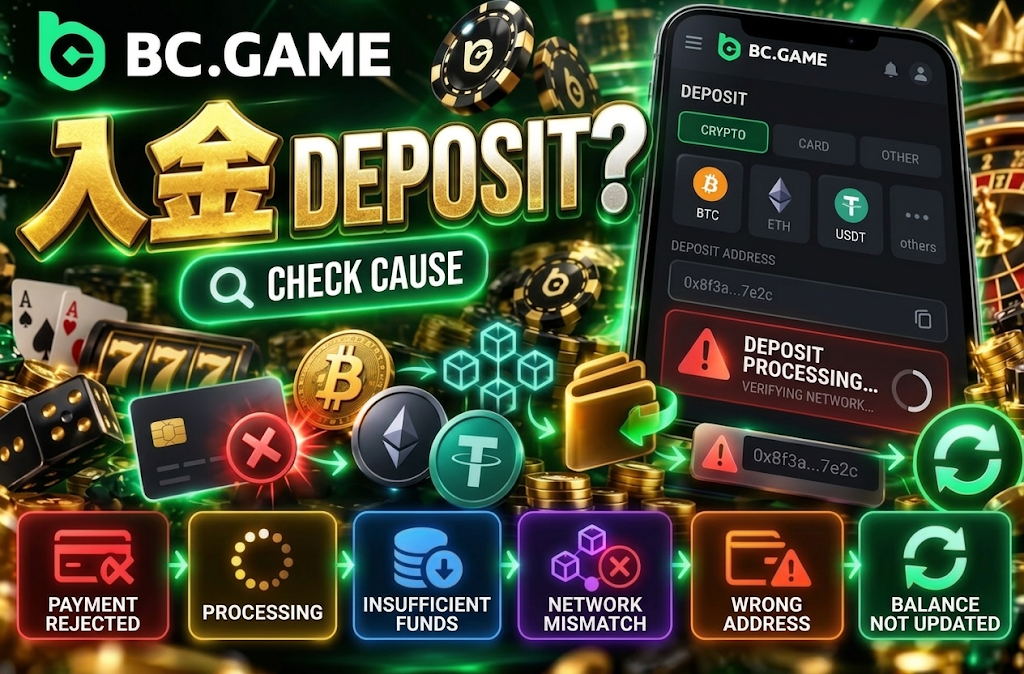
Common issues with BC Game deposits include the following.
- Payment declined. The transaction may not have been approved by the card or purchase service.
- Processing. The payment or blockchain confirmation may not yet be complete.
- Insufficient amount. The amount may be below the minimum deposit requirement.
- Network mismatch. A different chain may have been selected on the sending and receiving sides.
- Incorrect address. Funds may have been sent to a different currency’s or an outdated address.
- Balance not updated. The transaction may be complete but the display update delayed.
If funds have been charged to your card but the cryptocurrency purchase has not been completed, check the transaction status instead of immediately repeating the same payment. This is to avoid duplicate charges.
What to Do If Your Deposit Is Not Reflected
If your balance has not been updated, check the transfer or payment status in order.
- Check if the target transaction is displayed in the deposit history.
- For cryptocurrency, check the transaction hash and processing status.
- Re-confirm the currency, network, and address you sent to.
- Confirm you actually sent at least the minimum deposit amount.
- For card purchases, check the completion status on the purchase side.
- If the issue is not resolved, prepare the transaction details and contact support.
When inquiring about a BC Game Japan deposit, having the amount, currency, network used, transaction hash, and processing time organized will help speed up the review process.
With cryptocurrency, the transaction hash is important information confirming that a transfer has been made. Keep it saved without deleting it until the deposit is confirmed.
If Cryptocurrency Is Not Reflected
If only cryptocurrency is not being reflected, focus on checking the transfer route.
When using cryptocurrency as a BC Game deposit payment method, the following causes are particularly likely.
- Pending confirmations. The processing on the blockchain is still in progress.
- Below minimum. The required minimum deposit amount has not been met.
- Wrong network. The funds were sent using a different chain than specified.
- Wrong currency. A different cryptocurrency was sent to the target address.
- Wrong address. The copied destination address is incorrect.
- Display delay. The display may take time to update even after the transaction is complete.
If you selected the wrong network, check the transaction details before making the same transfer again. Cryptocurrency transactions are difficult to reverse, and an additional transfer may not necessarily resolve the issue.
It is safer to check the currently displayed address or QR code each time you make a deposit. Avoid unconditionally using addresses you saved in the past.
Tips for Depositing Safely into BC Game
When depositing, managing not only your login credentials but also transfer addresses and networks is important. Since cryptocurrency may not allow cancellation after a transfer like a bank transfer can, verification before confirming is the most effective precaution.
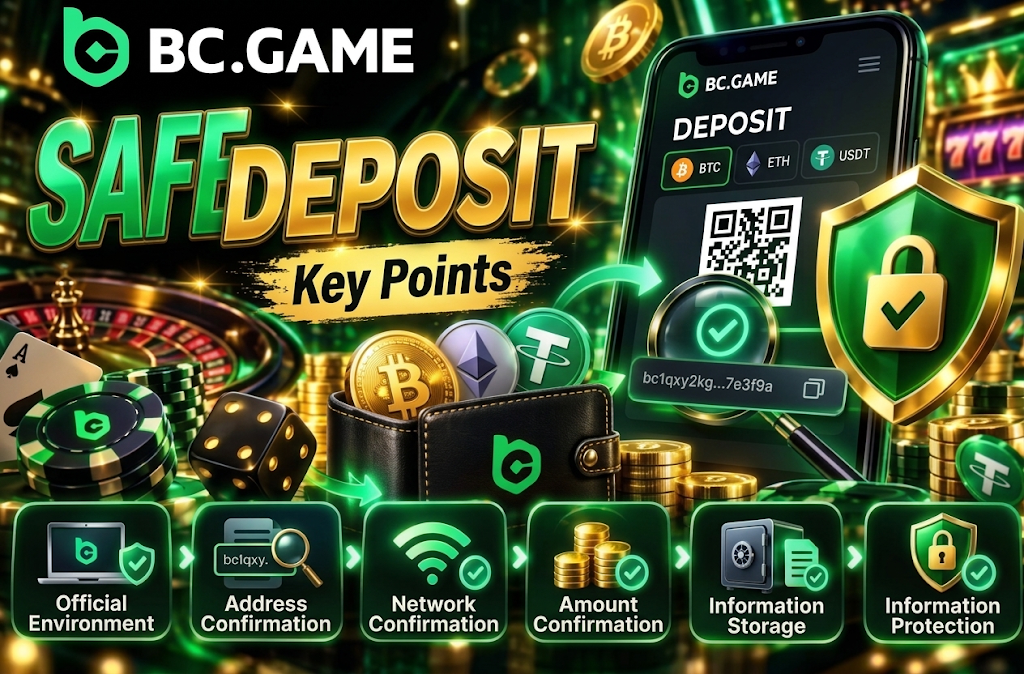
The basics for safely using BC Game deposit methods are as follows.
- Official environment. Open the deposit screen from the official site or app.
- Address verification. After copying, verify the beginning and end of the destination address.
- Network verification. Select the same chain on both the deposit screen and the sending side.
- Amount verification. Compare the minimum amount with your actual transfer amount.
- Record keeping. Save the transaction hash and payment records until the balance is updated.
- Information protection. Do not share passwords, 2FA codes, or private keys with third parties.
Cryptocurrency wallet seed phrases and private keys are not information that needs to be entered to confirm a deposit. Do not share them even if someone claiming to be support asks for them.
When sending large amounts using a currency or network for the first time, you can also verify with a small amount that does not fall below the minimum deposit. Confirming that the destination and network are functioning correctly before proceeding with the main transfer can reduce the risk of operational errors.
Frequently Asked Questions About BC Game Deposits
For BC Game deposits, you can directly transfer cryptocurrencies such as BTC, ETH, and USDT. If you do not own any cryptocurrency, you can also purchase crypto using a credit or debit card in supported environments.
The minimum amount varies depending on the currency. For example, it is 0.0001 BTC for BTC, 0.0003 ETH for ETH, 1 USDT for USDT, and 1 USDC for USDC. Please be sure to check the current minimum amount displayed after selecting your BC Game deposit method.
While JPY can be selected as a currency, direct deposits of Japanese Yen into your balance are currently not supported. For BC Game Japan deposits, you can either purchase cryptocurrency with a card or directly deposit cryptocurrency you already own.
For cryptocurrencies, it depends on the blockchain confirmation status. For card purchases, the processing time for the payment and cryptocurrency purchase will affect the timeframe. Since a fixed time cannot be guaranteed, please check the current status in your transaction history.
First, check your transaction history, the sent amount, currency, network, address, and transaction hash. Even if you are using a BC Game deposit bonus, first verify whether the regular deposit itself has been reflected successfully. If the issue persists, prepare your transaction details and contact support.