



BC Game Withdrawal | Withdrawal Methods Guide for Japan
How to Withdraw Funds from BC Game
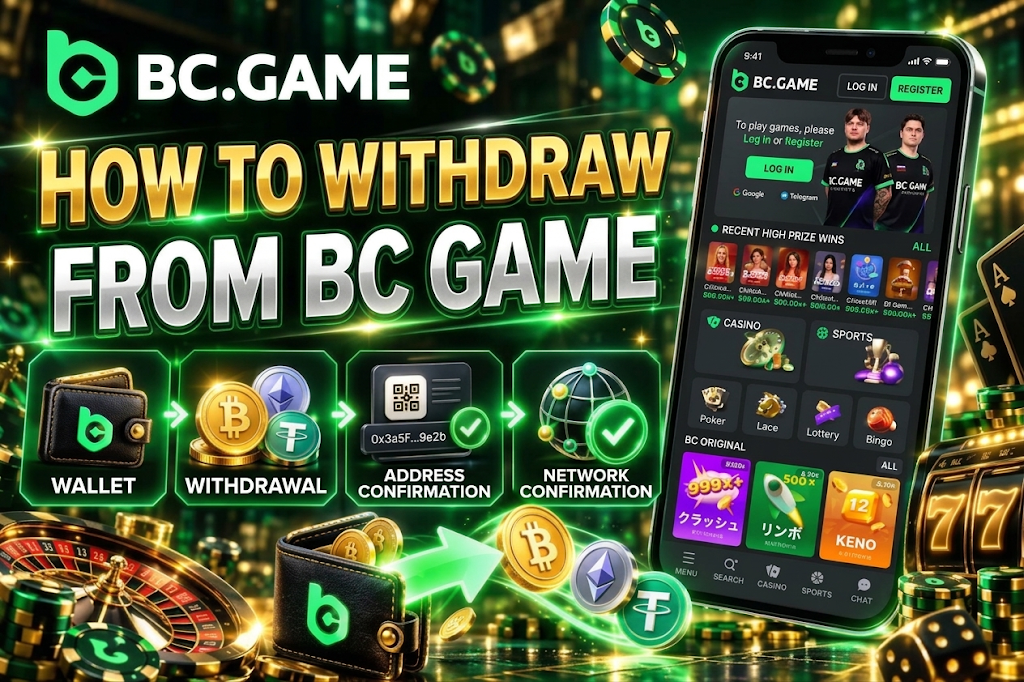
Withdrawals are made from the Wallet after logging in. The account menu includes a “Withdraw” option, and on the withdrawal screen you specify the currency, network, destination wallet address, and amount.
The most important thing to watch for with BC Game withdrawal methods is correctly matching the cryptocurrency and network. For example, when withdrawing USDT via Tron (TRC20), the receiving wallet must also support USDT on TRC20.
When you enter the withdrawal amount, you can check the minimum withdrawal amount and available balance. Before confirming, re-verify the destination address. Cryptocurrency transactions may be irreversible once processing begins, and sending to an incorrect address may result in unrecoverable funds.
Withdrawal Steps
On the withdrawal screen, follow these steps in order.
- Log in to your account and open “Withdraw” from the Wallet.
- Select the cryptocurrency you want to withdraw.
- Specify the blockchain network to use.
- Enter the receiving wallet address and withdrawal amount.
- Re-confirm the currency, network, address, and amount, then proceed to “Preview.”
- Complete the security verification and check the processing status in the transaction history.
For BC Game Japan withdrawals, matching the network is just as important as the destination address. Even if a wallet supports USDT, it may not receive funds properly if it does not support the selected chain.
After pasting a copied address, verify the first and last characters of the string. Malicious software that replaces clipboard contents exists, so it is especially important not to skip verification for large transfers.

BC Game Withdrawal Methods
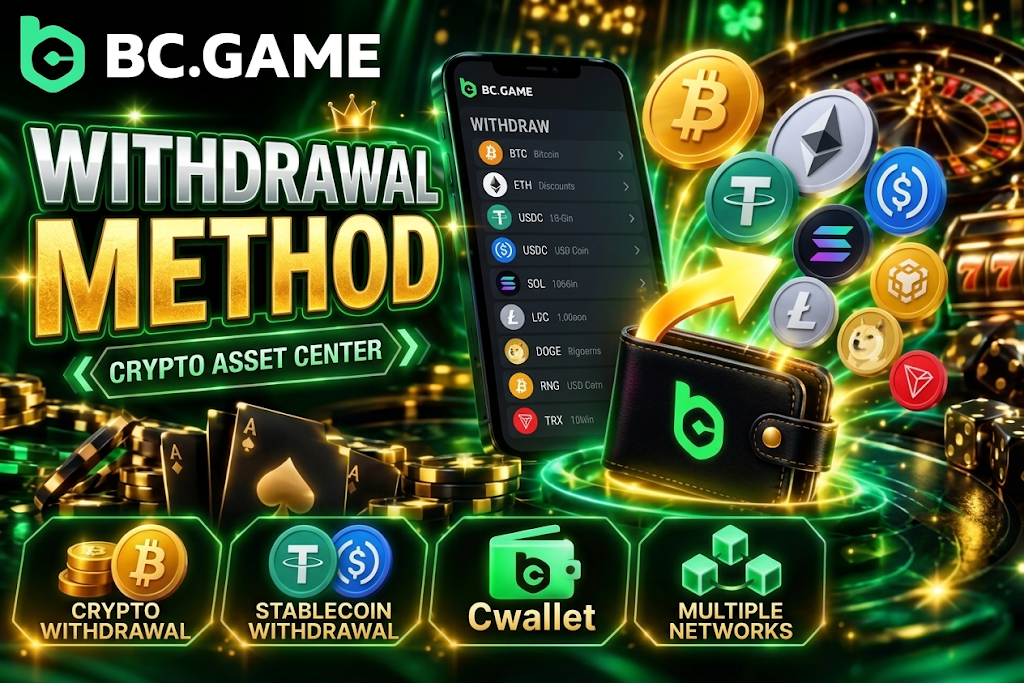
Currently, cryptocurrency withdrawals are the primary option for Japan-facing accounts. When you select a currency on the withdrawal screen, the supported networks, minimum amounts, and destination input fields are displayed.
Major cryptocurrencies available for BC Game withdrawals include BTC, ETH, USDT, USDC, SOL, LTC, DOGE, BNB, and TRX. Available currencies and networks may change, so prioritize the options displayed in your actual Wallet.
The main withdrawal methods are as follows.
- Cryptocurrency withdrawal. Send funds directly to a supported external wallet.
- Stablecoin withdrawal. Send USDT, USDC, or other stablecoins via supported networks.
- Cwallet integration. Use the Cwallet connection feature where supported.
- Multiple networks. Some currencies allow you to choose from multiple chains.
If a method to transfer yen directly to a domestic Japanese bank account is not displayed, you will need to separately convert your cryptocurrency to Japanese yen. This conversion is treated as a separate transaction from the BC Game withdrawal itself.
Withdrawing in Japanese Yen (JPY)
JPY can be selected as an account display currency, but the ability to directly withdraw Japanese yen to a bank account or similar is not currently available.
When selecting JPY for a BC Game Japan withdrawal, there may be no available direct withdrawal methods displayed. Therefore, when Japanese players want to withdraw funds, the standard approach is to select a supported cryptocurrency and send it to an external wallet.
JPY display and JPY withdrawal are separate functions. Even if your balance is shown in yen equivalent, this does not mean you can transfer that amount directly to a domestic bank.
If you want to receive funds in Japanese yen, you would move the cryptocurrency to your own wallet and then convert it through your trading environment. In that case, you also need to separately check the external trading conditions, fees, identity verification, and tax implications.
Withdrawing with Cryptocurrency
For cryptocurrency withdrawals, first select the asset and then specify the network to use. For example, USDT may offer Tron (TRC20), and the receiving side must also have an address on the same network.
With BC Game withdrawal methods, matching the asset alone is not sufficient. If you enter an ERC20 address when sending USDT via TRC20, for example, you may lose your funds due to the network mismatch.
Points to verify are as follows.
- Currency. Confirm the cryptocurrency you are withdrawing is supported by the receiving wallet.
- Network. Select the same chain on both the sending and receiving sides.
- Address. Verify the copied destination is correct.
- Minimum amount. Specify at least the minimum withdrawal amount for the selected currency.
- Fees. Check the network-related costs displayed before confirming.
- Balance. Confirm you have sufficient available balance including fees.
Using copy rather than manual entry for wallet addresses reduces input errors. However, verification after pasting is still necessary.
BC Game Withdrawal Methods List
Each major cryptocurrency has its own minimum withdrawal amount. Below are the representative conditions currently available.
| Withdrawal Method | Supported Currency | Minimum Withdrawal | Processing Time | Fees |
| Cryptocurrency | BTC | 0.0009 BTC | Depends on processing and network | Depends on currency and network |
| Cryptocurrency | ETH | 0.0205 ETH | Depends on processing and network | Depends on currency and network |
| Cryptocurrency | USDT | Check current withdrawal screen | Depends on processing and network | Depends on selected network |
| Cryptocurrency | SOL | 0.2028 SOL | Depends on processing and network | Depends on network |
| Cryptocurrency | LTC | 0.105 LTC | Depends on processing and network | Depends on network |
| Cryptocurrency | DOGE | 96 DOGE | Depends on processing and network | Depends on network |
| Cryptocurrency | BNB | 0.0505 BNB | Depends on processing and network | Depends on network |
| Cryptocurrency | USDC | 10.5 USDC | Depends on processing and network | Depends on selected network |
| Cryptocurrency | TRX | 201 TRX | Depends on processing and network | Depends on network |
For USDT, the minimum may vary depending on the network and current conditions, so prioritize the figures displayed on the withdrawal form at that time. When you select the Tron (TRC20) screen, the minimum amount is displayed individually.
BC Game withdrawal fees are also not a fixed amount common to all assets. Since the transaction costs required vary by blockchain and currency, you need to check the actual conditions on the final confirmation screen.
BC Game Minimum and Maximum Withdrawal Amounts
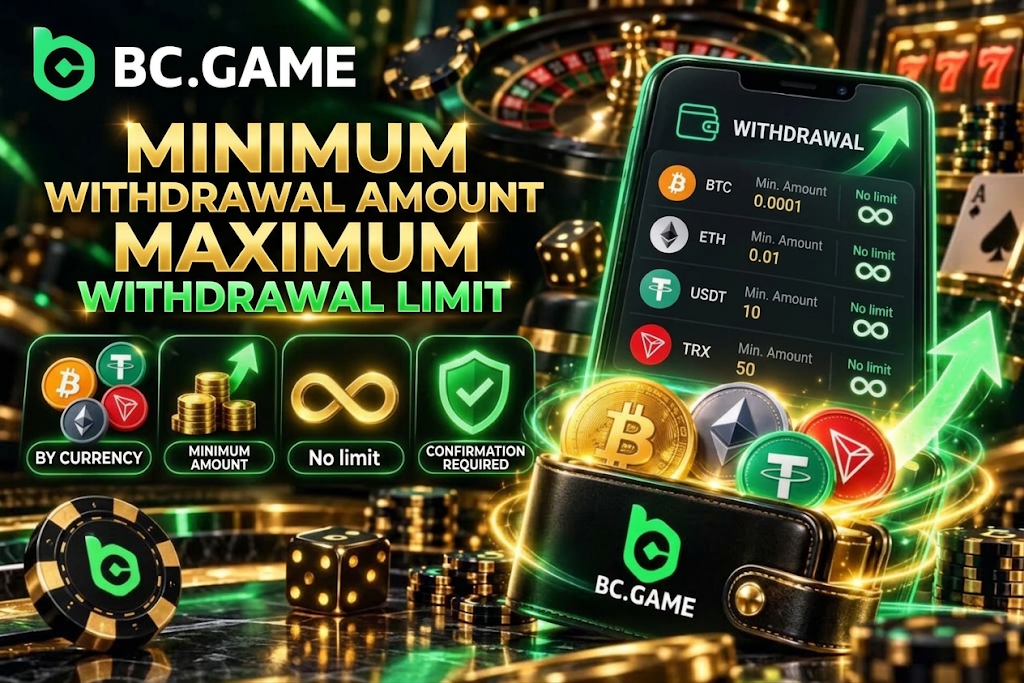
Minimum withdrawal amounts differ for each cryptocurrency. Since BTC and TRX have different units and prices, comparing them using a uniform Japanese yen amount is not appropriate.
When you select a BC Game withdrawal method, the minimum withdrawal amount for that currency is displayed. If the amount is below the threshold, you cannot proceed with the withdrawal request.
Regarding withdrawal limits, some currencies show “No limit” as the maximum withdrawal amount in the main cryptocurrency limits table. However, this does not mean that unlimited amounts will be processed instantly under all circumstances.
Large or unusual withdrawals may be subject to security review and may take additional time to process. Actual processing conditions also vary depending on account status and verification procedures.
Minimum Withdrawal
The main minimum withdrawal amounts currently available are as follows.
- Bitcoin. Minimum 0.0009 BTC.
- Ethereum. Minimum 0.0205 ETH.
- Solana. Minimum 0.2028 SOL.
- Litecoin. Minimum 0.105 LTC.
- Dogecoin. Minimum 96 DOGE.
- USD Coin. Minimum 10.5 USDC.
Additionally, BNB has a minimum of 0.0505 BNB, and TRX is 201 TRX. For USDT, check the currently selected network and the display on the withdrawal screen.
For BC Game Japan withdrawals, you do not need to convert cryptocurrency minimums into JPY on your own. Since market prices fluctuate, it is more accurate to use the cryptocurrency quantity displayed in the Wallet as your reference.
When specifying an amount close to the minimum withdrawal, also check how transaction fees are handled. The amount you receive and the amount you request may not be the same.
Withdrawal Limits
For major cryptocurrencies, some are displayed with no maximum withdrawal amount set. BTC, ETH, USDT, SOL, LTC, DOGE, BNB, USDC, and TRX may be treated as having no limit.
However, even when “no limit” is displayed for a BC Game withdrawal, this does not mean identity verification or security reviews are unnecessary. Withdrawals that are particularly large or flagged as suspicious may be subject to additional verification.
Items to check are as follows.
- Available balance. Check the withdrawable amount, not the bonus balance.
- Currency conditions. Check the minimum amount and current limit display for each asset.
- Account status. Check if any required identity verification remains outstanding.
- Bonus conditions. Check if there are any unfulfilled wagering requirements.
- Security. Consider the possibility that additional verification may occur for large requests.
If no fixed daily or weekly limits are displayed, there is no need to guess specific numbers. Use the conditions displayed on the actual withdrawal screen as your reference.
How Long Does a BC Game Withdrawal Take?
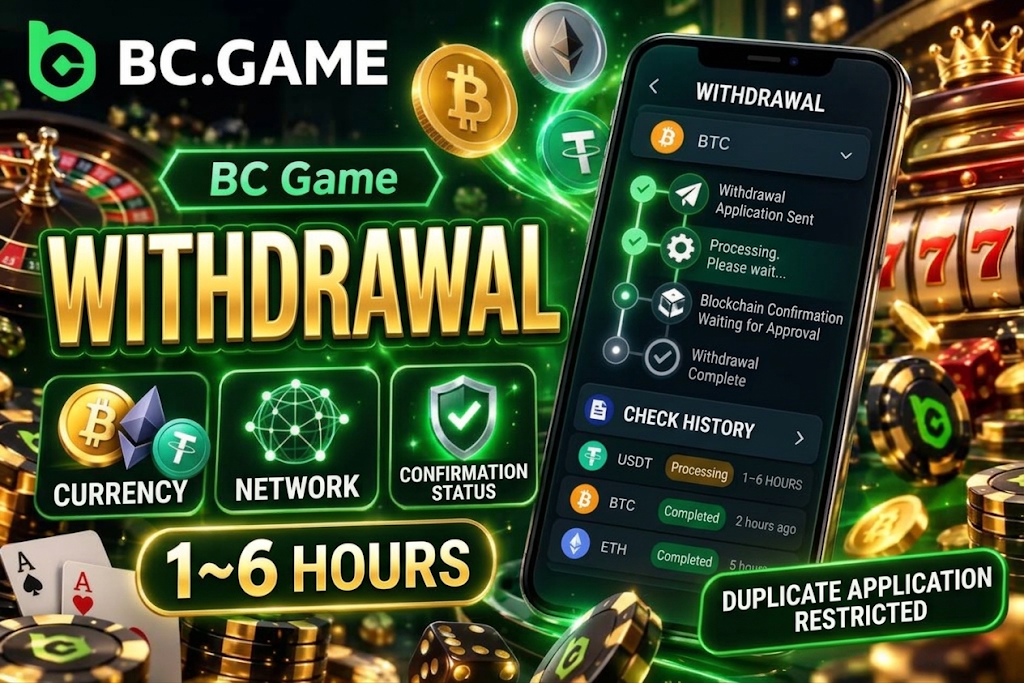
BC Game withdrawal time varies depending on the method requested, currency, network, and whether account verification is required. For cryptocurrency withdrawals, blockchain confirmations are still needed even after the platform-side processing is complete.
Therefore, you should not assume a fixed time such as “funds will arrive within 5 minutes of the request.” During times of network congestion or when the receiving service requires additional confirmations, it may take longer than usual.
For withdrawals that are large or flagged as suspicious, security audits may take 1 to 6 hours. This does not mean all regular withdrawals require 6 hours — it is a guideline for cases that are subject to additional review.
After submitting a request, do not repeat the same withdrawal — first check the status in the transaction history.
Why a Withdrawal May Be Pending
Even when a withdrawal shows a “Pending” or processing status, it cannot be immediately considered an error.
The main reasons a BC Game Japan withdrawal may be pending include the following.
- Security review. Additional review may be conducted for unusual amounts or activity.
- Identity verification. KYC or account information verification may be required.
- Bonus conditions. Wagering requirements from an applicable promotion may be outstanding.
- Network processing. The cryptocurrency transfer may be waiting for processing to begin or approval.
- System processing. Withdrawal requests may be processed in sequence.
- Address verification. Additional verification of transfer details may be required.
Submitting the same amount multiple times while pending makes the transaction status harder to track. Check the status of the current request before taking the next action.
If the status has not changed for an extended period, having the order number or transaction history ready when contacting support will make it easier to explain the situation.
BC Game Withdrawal Fees
For cryptocurrency withdrawals, you need to think about fees separately: “fees charged by the platform” and “network fees required for blockchain transactions.”
BC Game withdrawal fees are not the same for every currency. BTC and TRX use different blockchains, and the network costs required for processing also differ.
Fees to check are as follows.
- Network fees. Costs required to process transactions on the blockchain.
- Currency-specific fees. Amounts may differ depending on the selected asset and chain.
- Receiving-side fees. The external wallet or service may charge its own fees.
- Exchange fees. If converting to JPY after withdrawal, additional costs may apply.
- Displayed amount. Check the actual amount you will receive and any deducted costs before confirming.
It is not accurate to consider cryptocurrency network fees as the casino’s own proprietary charges. Base your judgment on the amounts displayed on the final request screen.
Some currencies have fees that fluctuate depending on network congestion, so the amount you paid previously may not be the same as the current amount.
Withdrawal Limits, Processing Times, and Fees
Comparing withdrawal conditions from a practical standpoint, minimum amounts are set per asset, but processing times and fees largely depend on network conditions.
| Method | Minimum Withdrawal | Limit | Processing Time | Fees |
| BTC | 0.0009 BTC | Displayed as no limit | Processing + blockchain confirmation | Depends on network conditions |
| ETH | 0.0205 ETH | Displayed as no limit | Processing + blockchain confirmation | Depends on network conditions |
| USDT | Check withdrawal screen | Displayed as no limit | Depends on selected network | Depends on selected network |
| USDC | 10.5 USDC | Displayed as no limit | Depends on selected network | Depends on selected network |
| SOL | 0.2028 SOL | Displayed as no limit | Depends on network conditions | Depends on network conditions |
| LTC | 0.105 LTC | Displayed as no limit | Depends on network conditions | Depends on network conditions |
| DOGE | 96 DOGE | Displayed as no limit | Depends on network conditions | Depends on network conditions |
| TRX | 201 TRX | Displayed as no limit | Depends on network conditions | Depends on network conditions |
When choosing a BC Game withdrawal method, check not only the minimum amount but also whether the network is supported on your receiving side. Even if a currency has a small minimum withdrawal, it cannot be used if the receiving service does not support that chain.
It is also safer to avoid selecting a network based solely on processing speed. You need to verify receiving compatibility, fees, and address format together.
Identity Verification (KYC) Before Withdrawal
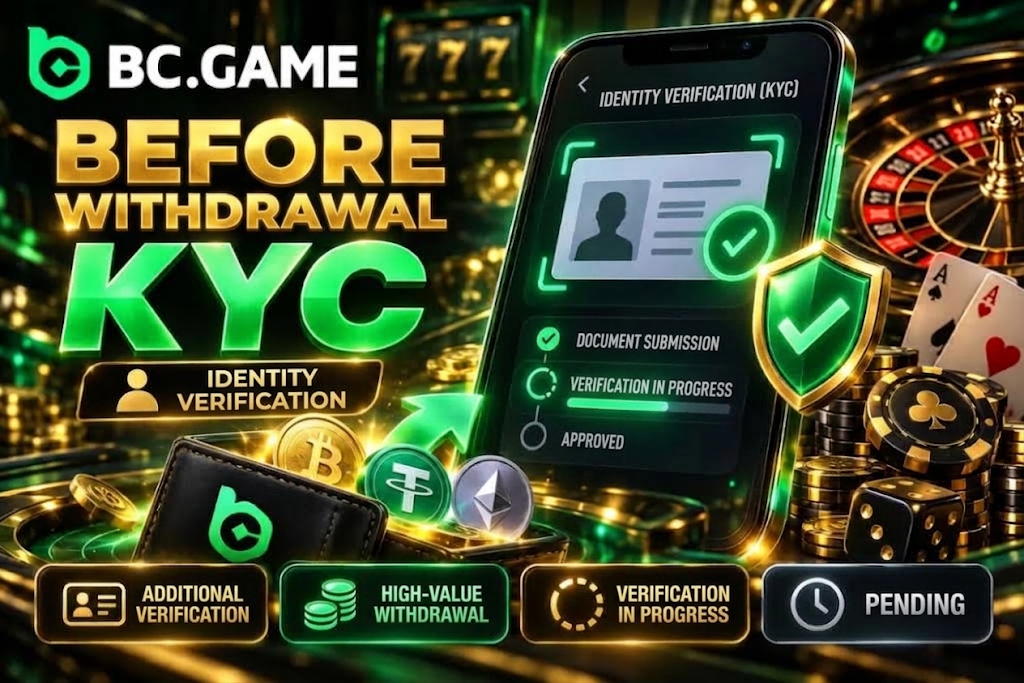
At BC Game, the same KYC is not necessarily required for every withdrawal. However, identity verification may be requested depending on account status, withdrawal amount, and security checks.
If additional verification is displayed during a BC Game Japan withdrawal, complete the required verification on your current account rather than creating a separate account to circumvent the withdrawal process.
KYC serves the purpose of confirming that the account holder and the person actually requesting the withdrawal are the same. Additional verification may be triggered particularly by large transactions, suspicious access, or discrepancies with registration information.
During verification, requests may be temporarily placed on hold. Submitting the required documents does not guarantee the withdrawal will be completed immediately — you may need to wait until the review of the content is finished.
Information Required for Identity Verification
When KYC is required, you may be asked for documents to verify your identity, address, and ownership of payment methods.
Items you may need to prepare in connection with a BC Game withdrawal are as follows.
- ID document. A government-issued photo ID may be requested.
- Address information. Documents confirming your current residence may be required.
- Account information. Consistency with the registered name and profile details is verified.
- Payment ownership. Verification of ownership of cards or wallets used may be required.
- Additional verification. Additional procedures to confirm your identity may be conducted depending on the situation.
Submit documents in a readable condition with legible text and photos, and avoid images with cropped corners or strong reflections.
Cryptocurrency wallet private keys and seed phrases are not KYC documents. Do not share them even if requested under the pretext of identity verification or withdrawal approval.
About Withdrawals After Earning Bonuses
When using bonuses, the deposit balance and bonus-related balance may not be treated as completely interchangeable.
Before executing a BC Game withdrawal method, check whether there are any unfulfilled wagering requirements for promotions you are using. When a bonus is in a locked state, you may not be able to freely withdraw those rewards or related funds.
Items to check are as follows.
- Wagering requirements. Check if the required play volume has been completed.
- Locked rewards. Check if any unreleased bonus balance remains.
- Eligible games. Check which games count toward meeting the conditions.
- Validity period. Check if the bonus has not expired.
- Withdrawal conditions. Check if a mid-way withdrawal would void the bonus.
- Available balance. Check the amount displayed as actually withdrawable.
There is no need to wager more than planned just to clear a bonus. If the conditions required to make funds withdrawable do not fit your budget, reconsidering whether to use the bonus itself is also important.
If You Cannot Withdraw Funds from BC Game
If your withdrawal request is not going through, check different areas depending on the error. Cases where you are stopped before submitting and cases where your request is held or rejected after submission have different causes.
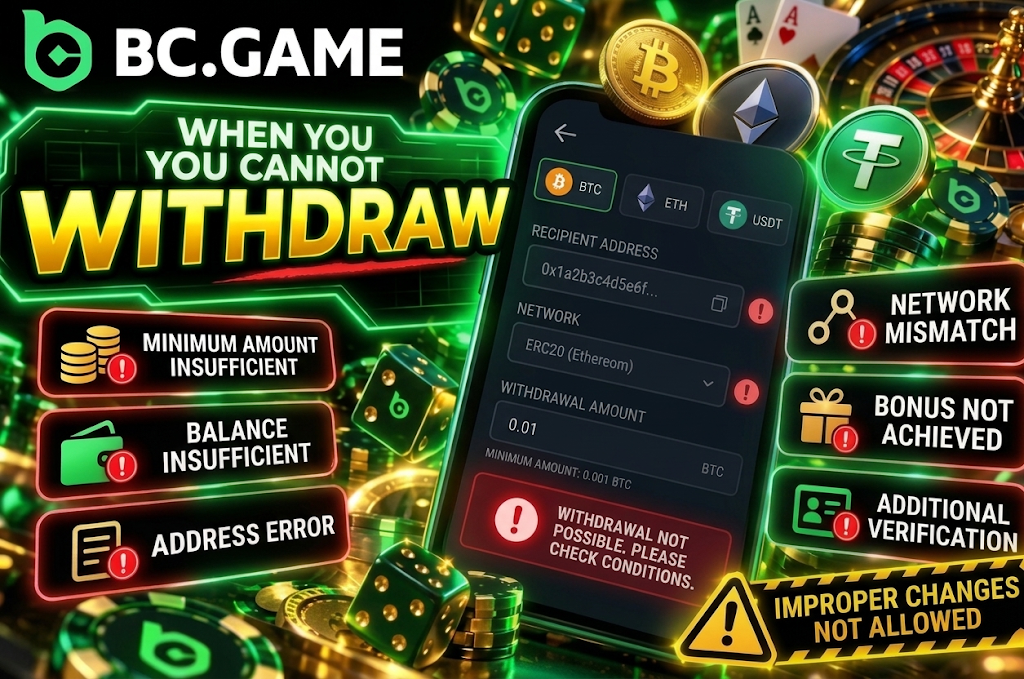
Common issues with BC Game withdrawals are as follows.
- Below minimum. The minimum withdrawal amount for the selected currency has not been met.
- Insufficient balance. The available amount may be insufficient when fees are included.
- Invalid address. The wallet address entered may be invalid.
- Network mismatch. The specified network and receiving side do not match.
- Unfulfilled bonus. Wagering requirements or locked rewards remain.
- Additional verification. KYC or security review is required.
If you cannot submit a request, avoid randomly changing the currency or network. Using a network that the receiving side does not support creates a bigger problem.
If Your Withdrawal Is Rejected
If a withdrawal shows “Rejected,” check the reason before resubmitting the same request multiple times.
If a rejection occurs on a BC Game Japan withdrawal, checking in the following order makes it easier to isolate the cause.
- Check the status of the rejected request in the transaction history.
- Re-verify the currency, network, and destination address.
- Cross-check the minimum withdrawal amount and available balance.
- Check if bonus conditions or locked balance remain.
- Check if any identity verification or security notifications have been issued.
- If the reason is unclear, prepare the order information and contact support.
If additional documentation has been requested, complete the required verification before resubmitting. Creating a separate account to attempt the same withdrawal is not an appropriate method.
If the rejection reason is related to the address or network, also check the specifications on the receiving wallet side.
If Withdrawn Funds Have Not Arrived
If the transaction history shows completed but the receiving wallet has not been updated, first check the blockchain status.
BC Game withdrawal time is not determined solely by when the platform shows “completed.” After that, funds may not appear until the receiving wallet or trading service reaches the required number of confirmations.
Check in the following order.
- Confirm the status shows completed in the withdrawal history.
- Check if a transaction hash has been issued.
- Cross-check the destination address and network.
- Check if the transaction has been confirmed on the blockchain.
- Wait for the receiving service to complete its required confirmation processing.
- If funds are not reflected for an extended period, prepare the transaction hash and request a review.
The transaction hash is important information for checking the transfer status. Keeping it saved until the funds have arrived also makes it easier to explain the situation when making inquiries.
Tips for Safe Withdrawals
With cryptocurrency withdrawals, the address may not be changeable after the transfer is confirmed. Prioritize verification on the input screen.
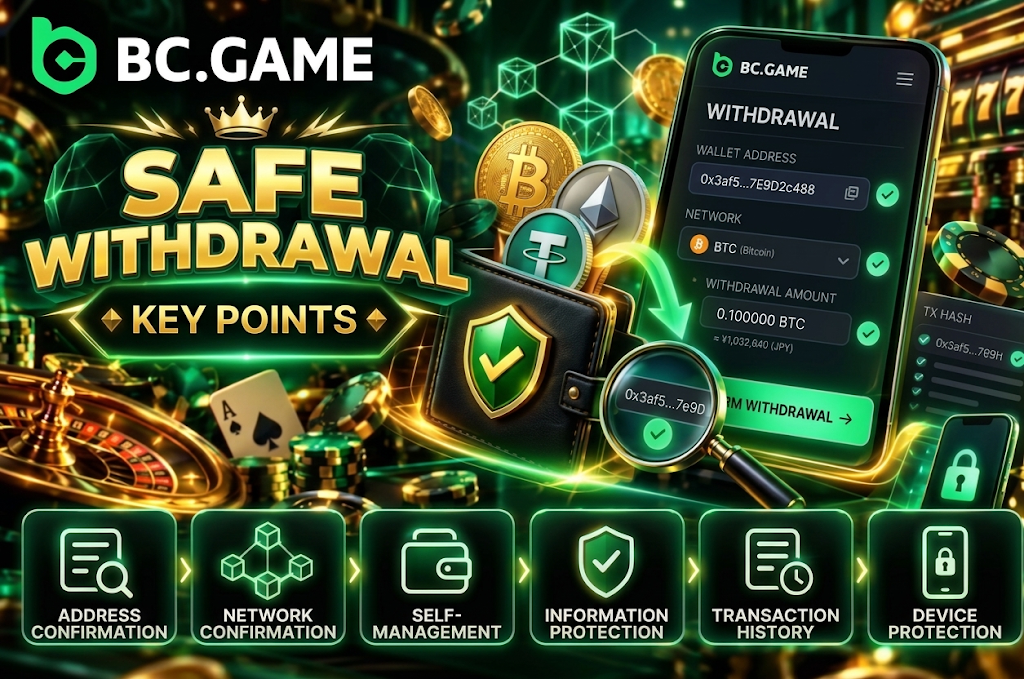
Rather than choosing a network based solely on BC Game withdrawal fees, verifying compatibility on the receiving side leads to a safer withdrawal.
- Address verification. After copying the destination, verify the beginning and end of the string.
- Network verification. Use the same chain on both the withdrawal and receiving sides.
- Self-custody. Withdraw to a wallet you manage or have authorized access to.
- Information protection. Do not share passwords or 2FA codes with third parties.
- Record keeping. Save transaction numbers and transaction hashes until funds arrive.
- Device security. Keep the PC or smartphone used for withdrawals up to date.
There is no need to enter wallet seed phrases or private keys into BC Game. These are critical information that can control the wallet itself, so do not share them with third parties.
For large withdrawals, carefully verifying the receiving address and network before sending everything at once is especially important.
Frequently Asked Questions About BC Game Withdrawals
For BC Game withdrawals, after logging in, go to “Withdraw” in your Wallet and specify the cryptocurrency, network, destination address, and withdrawal amount. After confirming the details, submit the request, and you can check the processing status in your transaction history.
The minimum amount varies depending on the cryptocurrency. Standard minimums are 0.0009 BTC for BTC, 0.0205 ETH for ETH, 10.5 USDC for USDC, and 201 TRX for TRX. Please always refer to the current minimum value displayed when you select your BC Game withdrawal method.
Currently, direct withdrawals in JPY are not available. BC Game Japan withdrawals primarily involve sending supported cryptocurrencies to an external wallet. If you wish to receive funds in Japanese Yen, you will need to exchange the cryptocurrency separately afterward.
The standard processing time varies depending on the currency, network, and account verification status. Withdrawals flagged as high-value or suspicious may undergo a security audit taking 1 to 6 hours. Because BC Game withdrawal times are not fixed, please check the current status in your transaction history.
Please check the minimum withdrawal amount, your available balance, the destination address, network, bonus conditions, and your identity verification status. Since your balance might be insufficient when including the BC Game withdrawal fee, verify your requested amount against your actual available balance. If the issue remains unresolved, prepare your transaction details and contact support.