



BC Game Login | Login Guide for Japan
How to Log In to BC Game
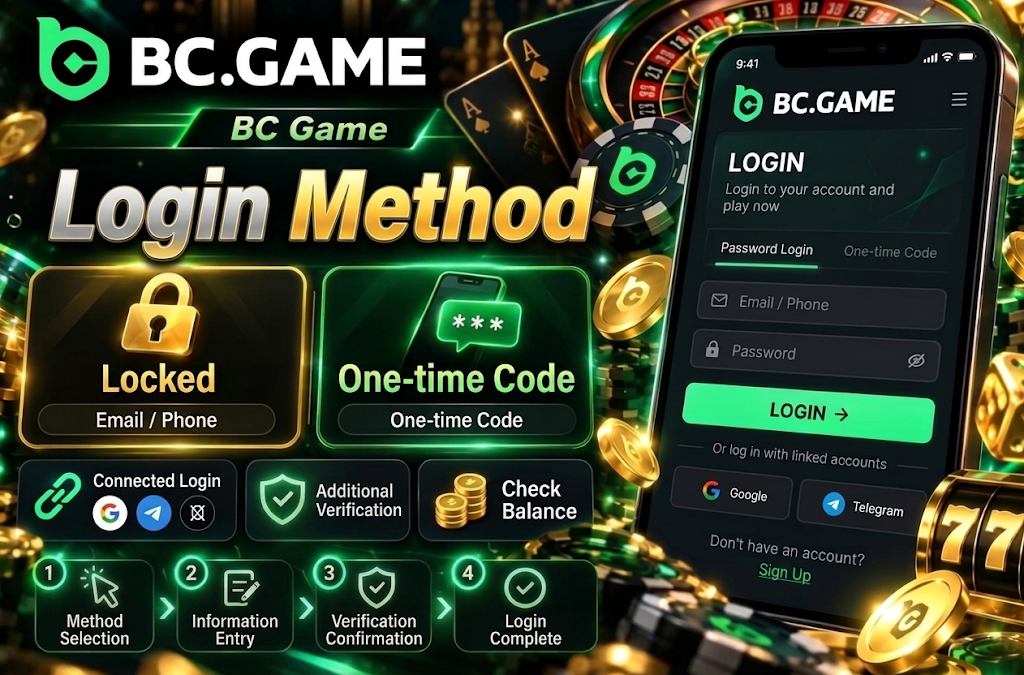
On BC Game, when you open the login screen, you can choose between two basic methods: “Password” and “One-time Code.” With the password method, you enter your registered email address or phone number and password. With the one-time code method, you verify your identity using a temporary authentication code sent to your registered contact information.
For the BC Game login method, it is important to match the method used during registration. If you created your account using an external service such as Google or Telegram, using the same linked method makes it easier to access your existing account.
- Choose your authentication method from “Password” or “One-time Code.”
- Enter your registered email address or phone number.
- If using the password method, enter your set password.
- If additional authentication is displayed, complete the identity verification.
- Confirm your input and proceed to your account.
If you use multiple methods, also verify the username and balance displayed after authentication. Selecting a different Google account or a different email address may result in logging into a different account than the one you normally use.
How to Log In with Email Address
If you have registered with an email address, you can authenticate from the “Password” tab. The input field displays “Email / Phone Number,” so by entering your registered email address instead of a phone number, you can proceed directly to password authentication.
The steps for BC Game account login with an email address are as follows.
- Confirm that “Password” is selected.
- Enter your registered email address.
- Enter your account password.
- Check that the input has no extra spaces or typos.
- If two-factor authentication is enabled, complete the additional verification.
- Confirm that the account screen is displayed after authentication.
The email address must match the one used during registration. If you are using browser autofill, check that an email address for a different service has not been inserted.
The password field has an icon to reveal its contents. This can help if you suspect a typo, but in public places or on shared devices, it is safer not to leave the password displayed on screen.

Other Login Methods
In addition to passwords, multiple authentication methods are available. The available methods are displayed on the login screen, and you can verify your identity using configured accounts or linked services.
The main methods available for BC Game sign-in are as follows.
- One-time code. Authenticate with a temporary code using your registered email address or phone number.
- Passkey. Use a Passkey saved on your device along with biometric authentication.
- Cwallet. Authenticate directly using your linked Cwallet.
- Google. Use your linked Google account.
- Social login. Use supported services such as X, Telegram, and LINE.
- Wallet login. Use supported methods such as MetaMask and Binance.
Authentication via Steam is also available. You do not need to set up all login methods — it is sufficient to use only the method you registered or linked.
When using an external service, select the same account as before. For example, if you have multiple Google accounts registered on your device, selecting a different account may result in your expected balance or VIP progress not being displayed.
How to Log In to BC Game from a Smartphone
On smartphones, you can use the same user information from the mobile site, Android app, or iPhone home screen web app. The authentication screen layout is similar to the PC version, and there is no need to create a separate smartphone-only account.
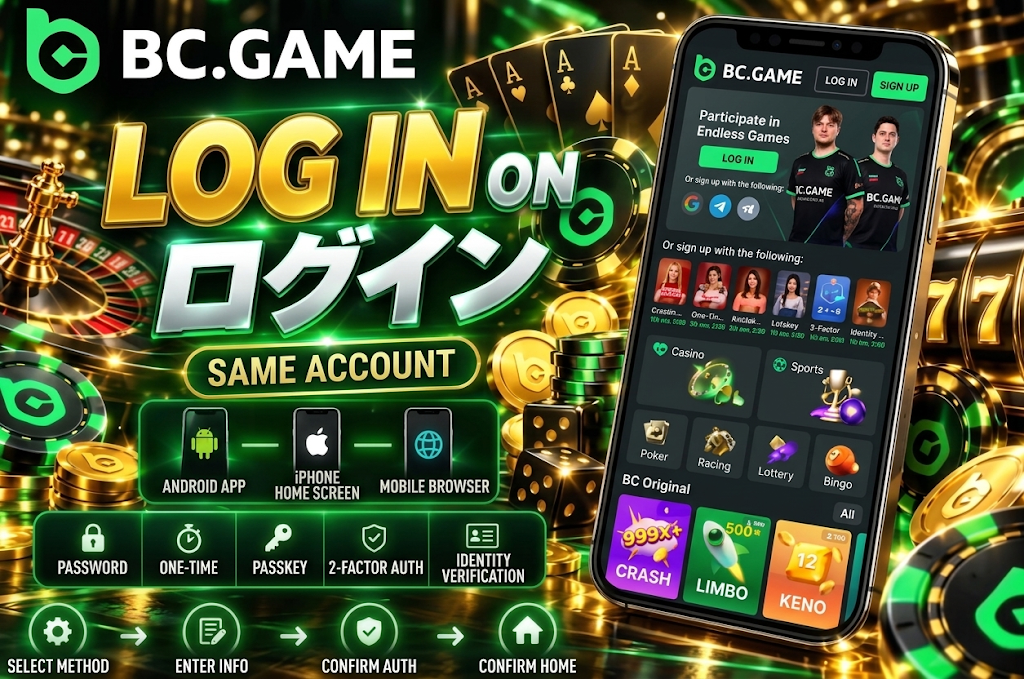
To perform BC Game Japan login on a smartphone, authenticate in the following order.
- Choose your method: password, one-time code, Passkey, etc.
- Enter your registered email address, phone number, or required credentials.
- If using the password method, enter your set password.
- If two-factor authentication is enabled, complete the additional verification.
- After authentication, confirm the home screen or profile.
If a previous login session remains on the device, you may be able to access your account without re-entering credentials. However, after clearing cookies, reinstalling the app, extended periods of inactivity, or changing devices, re-authentication may be required.
It is safer not to save login information on someone else’s smartphone. Even on your personal device, enabling screen lock with PIN, fingerprint, or face authentication can reduce the risk in case of loss.
How to Log In from Android
On Android, you can access your account from the installed app or mobile version. Even when using the APK, the authentication methods are essentially the same as the browser version.
To perform BC Game login on Android, follow these steps after the login screen is displayed.
- Select the authentication method you want to use.
- Enter your registered email address or phone number.
- If using the password method, enter your password.
- Complete any required additional authentication.
- Confirm that the account screen is displayed correctly.
If the app is outdated, the authentication screen may fail to load or some features may not display properly. In that case, update to the official version and try again.
When using Android autofill, verify that the saved credentials are actually for BC Game. If a password for a different site is autofilled, you will not be able to log in even with the correct email address.
How to Log In from iPhone
On iPhone and iPad, you can log in from the Safari mobile version or the web app added to your home screen. There is no need to install an Android APK on iOS.
For BC Game account login, on iPhone you can use the authentication methods currently displayed, including password, one-time code, Passkey, and linked services.
- Select the authentication method on the login screen.
- Specify the required information: email address, phone number, Passkey, etc.
- If using the password method, enter the correct password.
- If additional confirmation is displayed, complete the identity verification.
- After authentication, confirm that the profile and balance are correct.
If you have saved credentials in Safari, you may be able to autofill using Face ID or Touch ID. Avoid saving on shared devices, and even on your own device, it is safer to have the device lock enabled.
If you have Passkey configured, you may be able to use device-side identity verification without entering your password each time. Base your choices on what is actually displayed on the login screen.
How to Log In to BC Game from PC
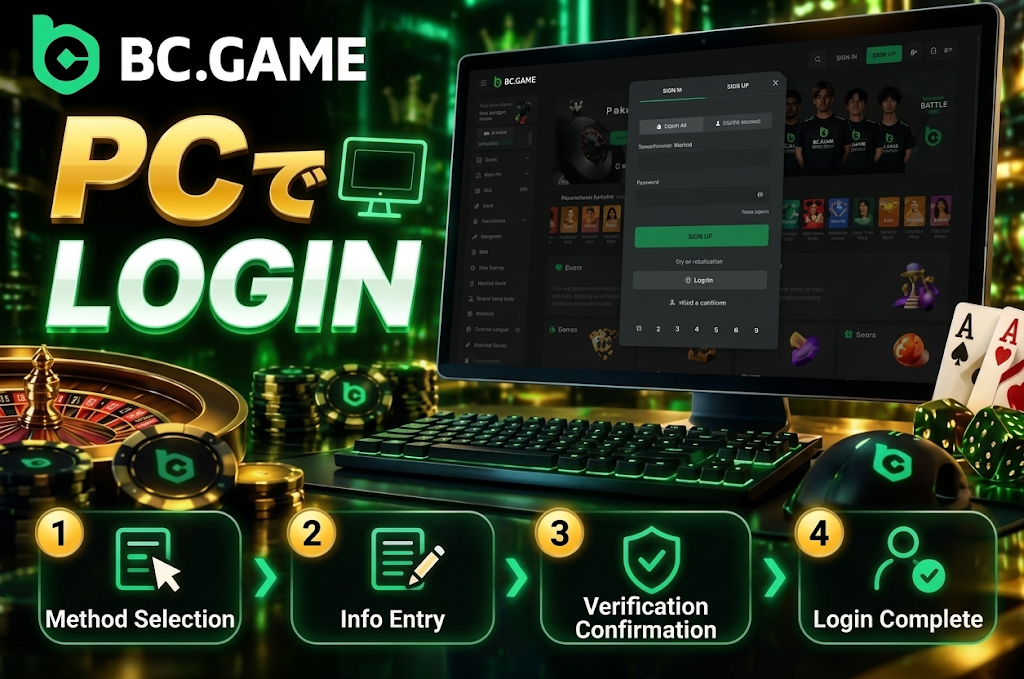
On PC, you access your account from the desktop authentication screen. The screen is simply wider than on a smartphone, and there is no major difference in the basic authentication methods.
For the BC Game login method using a password, enter your email address or phone number and password. If you have one-time code, Passkey, or external services configured, you can also select those.
- Select “Password” or “One-time Code.”
- Enter your registered email address or phone number.
- Enter the authentication information required for the selected method.
- If additional authentication is requested, complete the verification.
- Confirm that the account page is displayed after authentication.
If you are using the browser’s password save feature, check which account is selected. On PCs with multiple user credentials saved, autofill may insert a different email address.
On public PCs or shared devices, do not save credentials and always log out after use.
BC Game Login Methods Overview
There is more than one authentication method available. You can choose based on your registration method and account linking status.
| Login Method | Required Information | Supported Devices | Features |
| Password | Email address or phone number, password | PC, Android, iOS | Basic authentication method |
| One-time Code | Registered email address or phone number | PC, Android, iOS | Authentication using a temporary code |
| Passkey | Configured Passkey, device authentication | Supported devices | Biometric authentication available |
| Cwallet | Linked Cwallet | PC, Mobile | Wallet-linked authentication |
| Linked Google account | PC, Mobile | Authentication via Google | |
| X | Linked X account | PC, Mobile | Authentication via X |
| Telegram | Linked Telegram | PC, Mobile | Authentication via Telegram |
| MetaMask | Linked wallet | Supported environments | Wallet authentication |
| Binance | Linked account | Supported environments | Binance-linked authentication |
| LINE | Linked LINE | PC, Mobile | Authentication via LINE |
| Steam | Linked Steam | PC, Mobile | Authentication via Steam |
For BC Game sign-in, the basic approach is to select the same method used during registration. Choosing a different linked service may result in being treated as a separate registration rather than your existing account.
If you are unsure which method you registered with, it is safer to check your commonly used email address or linked services before attempting authentication.
If You Forgot Your BC Game Password
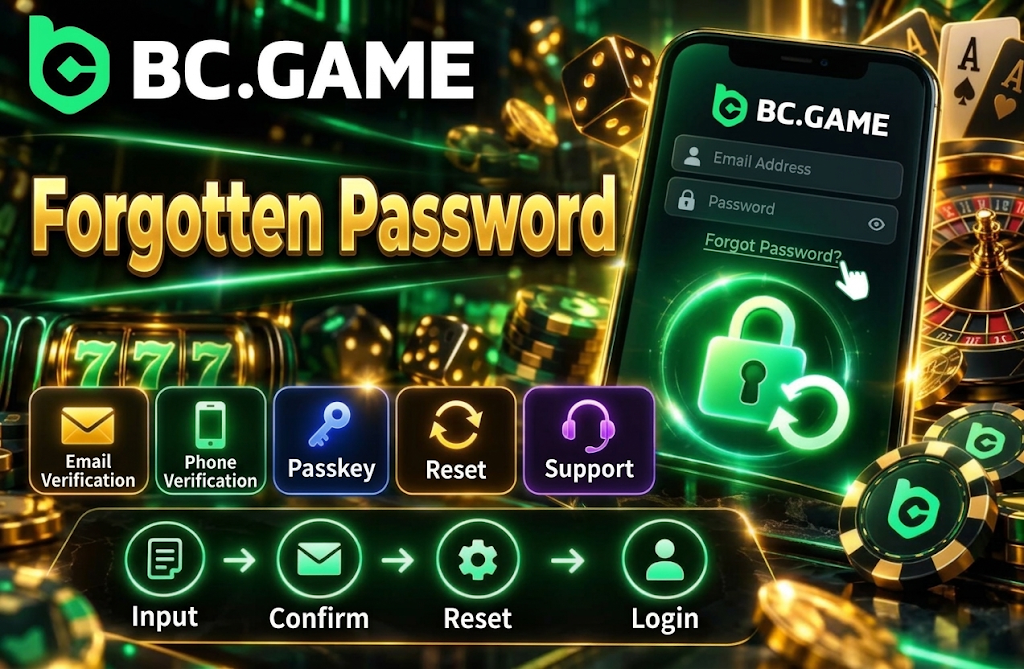
If you cannot remember your password, you can recover it from “Forgot your password?” on the login screen. Using the reset function is more reliable than repeatedly guessing and entering multiple passwords.
On the BC Game Japan login recovery screen, you can enter your registered email address or phone number. For users who have Passkey configured, a reset method using Passkey is also available.
If you cannot access the registered email address or phone number itself, do not enter random information — instead, check the identity verification methods available through account support.
After changing your password, old information may still be saved in your browser or smartphone. If autofill enters your previous password, updating the saved content will make your next login smoother.
How to Reset Your Password
If you forgot your BC Game login password, follow these steps from the password reset screen.
- Enter your registered email address or phone number.
- Select the available identity verification method.
- Complete identity verification through the displayed steps or Passkey.
- Set a new password.
- Log in to your account with the new credentials.
For your new password, it is safer not to reuse one from another service. Also avoid easily guessable content such as usernames, birth dates, or simple number sequences.
If using Passkey for the reset, perform identity verification on the device where that Passkey is saved. If it is no longer available due to a device change, use an alternative recovery method.
If You Cannot Log In to BC Game
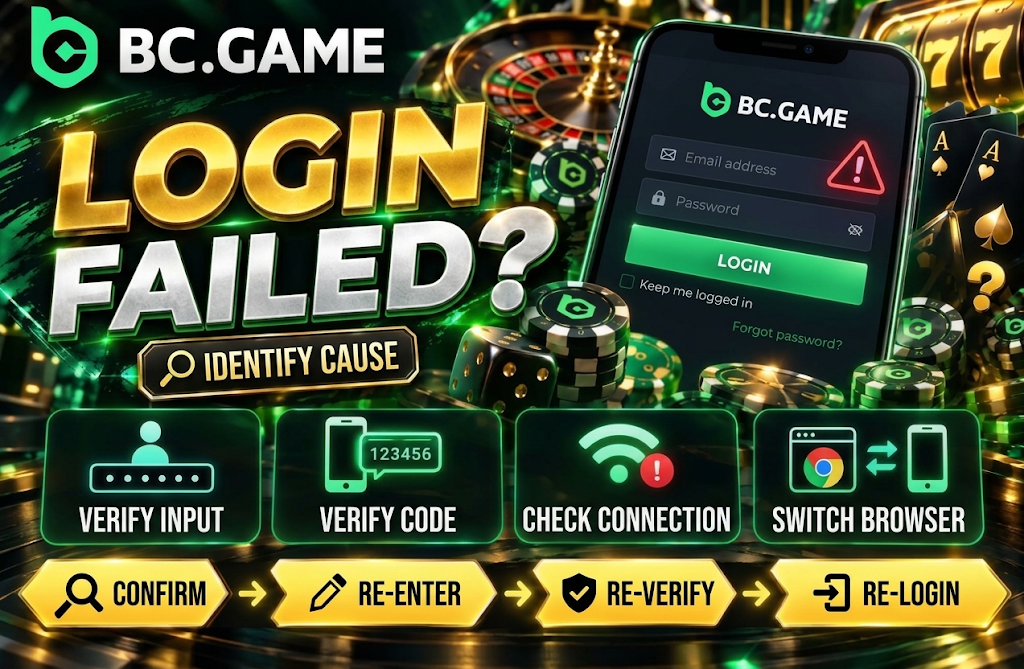
The cause of login failure is not necessarily a problem with the account itself. Authentication errors can also occur due to input mistakes, expired codes, an outdated app, poor connection, or browser cache.
If you experience a problem with BC Game account login, first check the authentication method you are using. There may be a mismatch, such as selecting a different Google account when you registered with email, or using an old phone number.
Rather than entering the same information multiple times in quick succession, it is more efficient to close the screen once and verify the details. When using a one-time code, use the currently valid code rather than a previously received old one.
If the problem occurs only in the app, try the mobile site; if it occurs only in a specific browser, try a different device — changing the environment can help isolate the cause.
If Your Login Information Is Incorrect
When you see a message that your credentials do not match, start by checking the basic input.
- Email. Check whether it is the email address used during registration.
- Phone number. Check whether the format and country code are correct.
- Password. Enter uppercase, lowercase, numbers, and symbols accurately.
- Spaces. Check for unnecessary spaces before or after the input fields.
- Autofill. Check whether credentials for a different account have been inserted.
- Authentication method. Check whether you are using the same login method as during registration.
Changing the BC Game login method may also resolve the issue. For example, even if you have forgotten your password, you can access your account through an alternative authentication path if you have Passkey or one-time code configured.
If your password does not match after multiple attempts, use the reset function rather than continuing to guess.
If Your Account Is Unavailable
If you cannot access your account even with correct information, check the guidance displayed on screen. The reason for unavailability differs for each user, so the cause cannot be narrowed down to a single factor.
If BC Game Japan login is not proceeding due to account-side verification, identity verification or a security check may be required. Verification related to terms of service may also occur, but the specific reason is determined on a case-by-case basis.
Do not try to bypass this by creating a new account — instead, check the guidance displayed on your current account. If identity verification documents are required, follow the official procedures within the account.
Even when contacting support, there is no need to share your password, two-factor authentication codes, wallet private keys, or seed phrases.
Login Issues: Causes and Solutions
Login troubles require checking different areas depending on the symptoms. Separating input content, device, authentication method, and network environment makes it easier to identify the cause.
| Issue | Possible Cause | Solution |
| Password not accepted | Input error, old password | Re-check or reset password |
| One-time code invalid | Code has expired | Re-authenticate with a new code |
| Page does not load | Unstable connection | Switch connection and reload |
| Authentication fails on app only | Outdated version | Update to official version |
| Screen does not display correctly | Cache or browser issue | Clear temporary data, update browser |
| Cannot log in via external link | Wrong account selected | Use the same linked service as registration |
| Passkey not working | Not configured, device changed | Use another registered authentication method |
| Cannot access account | Individual verification required | Check displayed guidance and contact support |
If the BC Game sign-in problem occurs across multiple devices, it may indicate a need for account-side authentication verification rather than a device-specific issue.
On the other hand, if the error occurs on only one device, it is more efficient to check that device’s browser, app, cache, and network settings first.
How to Use Your BC Game Account Safely
Since login information is directly connected to your balance and personal settings, you need to manage not only your password but also the devices and authentication paths you use.
The basics for safe BC Game account login are as follows.
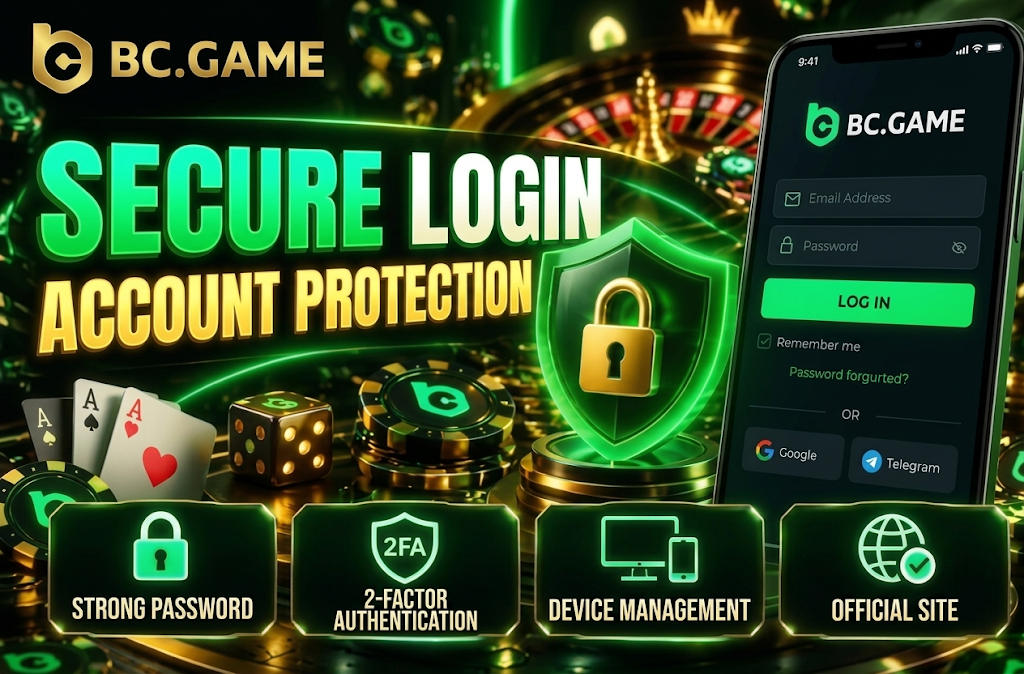
- Password. Use a unique password that is not reused across other services and is hard to guess.
- Official environment. Do not enter credentials on unofficial apps or fake login pages.
- Email protection. Set a strong password and additional authentication for your registered email as well.
- Credentials. Do not share passwords or verification codes with third parties.
- Device management. Set screen lock on your PC and smartphone.
- Sessions. Log out after use on shared devices.
Even if you receive a message prompting you to log in, it is important not to rush into entering your credentials. On pages that pressure you with expressions like “verify now or your account will be suspended,” carefully check the destination and content.
Even when using wallet integration, you never need to enter your private key or seed phrase as login information. These are pieces of information that only you should manage.
Two-Factor Authentication (2FA)
Two-factor authentication is a security feature that adds verification separate from your password. Even if your password becomes known to a third party, access becomes more difficult without the additional authentication.
If you want to enhance BC Game login security, enabling 2FA from your account’s security settings is effective.
Key points to keep in mind are as follows.
- Setup. Enable it from the security section within your profile.
- Codes. Securely manage the authentication information required at login.
- Device change. Check how to transfer 2FA before switching devices.
- Recovery. Store available backup methods in a safe place.
- No sharing. Do not send verification codes via chat or messages.
- Suspicious requests. Do not approve authentication requests you did not initiate.
After enabling 2FA, make sure to manage not only your password but also the additional authentication method so you do not lose access. Cases where access is lost during a device change most commonly occur when the authentication settings were not transferred.
Features Available After Logging In
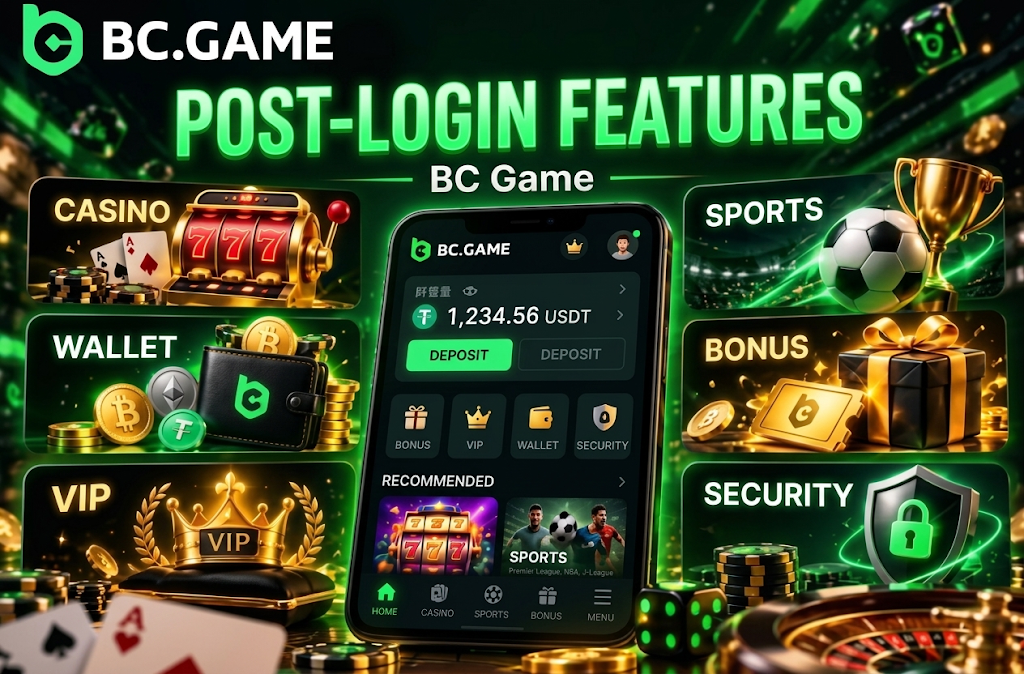
Once login is complete, you can access account-specific features that are not available in guest mode. Balance, personal settings, bonuses, and VIP progress are displayed linked to your account after authentication.
Even if the BC Game login method differs, the main features available are the same as long as you correctly authenticate to the same account.
- Casino. Access slots, live casino, table games, and more.
- Sports. Access pre-match and live sports betting.
- Wallet. Manage balance, deposits, and withdrawals.
- Bonuses. Check available perks and rewards.
- VIP. Check your current level, progress, and eligible rewards.
- Security. Manage protection settings such as password and 2FA.
In your profile, you can also check registration information and identity verification items. When accessing from a new device, it is reassuring to verify your account information and security settings before making deposits or withdrawals.
Frequently Asked Questions About BC Game Login
For BC Game login, you can use your registered email address or phone number and password. You can also use other authentication methods configured for your account, such as a one-time code, Passkey, Cwallet, or Google.
Yes. You can access it via the Android app, mobile site, or the add-to-home-screen web app on iPhone. For BC Game Japan login, you can use the same account details as on your PC, so there is no need for a separate mobile account.
You can reset your password from the “Forgot your password?” link on the login screen. You will need to verify your identity using your registered email address or phone number and then set a new password. If you have set up a Passkey, you can also use it for recovery.
Causes for a failed BC Game sign-in include entering incorrect credentials, expired codes, poor internet connection, an outdated app, temporary browser data, or selecting a different login method. First, verify your authentication method and the details you entered, then check your device environment.
The basics are to set a unique password different from your other services and to enable 2FA (Two-Factor Authentication). Never share the information used for your BC Game account login with third parties, and do not enter it on unofficial apps or suspicious authentication pages.